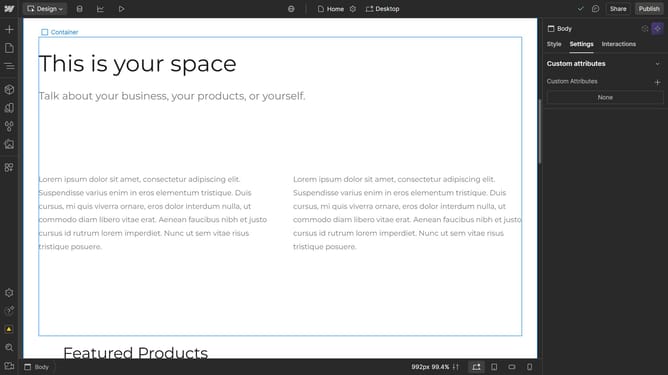
How to duplicate a section in Webflow
Here is how to duplicate a section in webflow
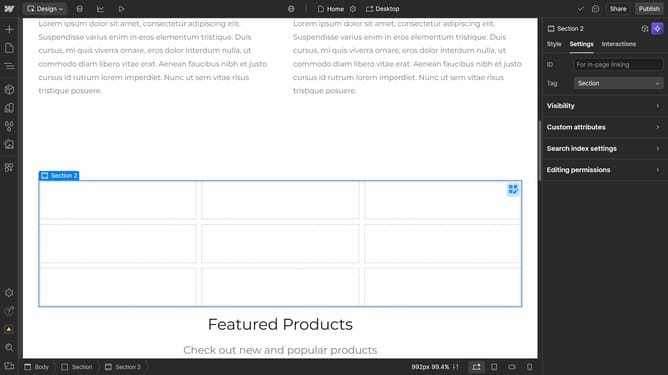
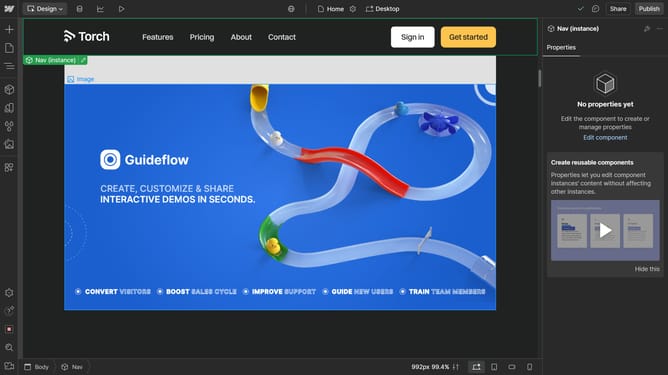
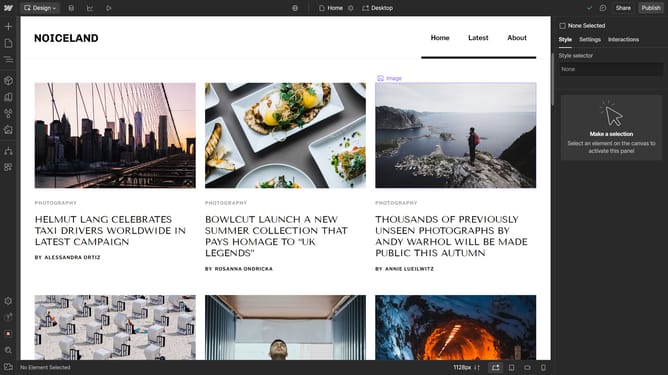
- First click on the "Navigator" button in the left sidebar
- Then right click the section you want to duplicate
- Next click on the "Duplicate" option from the context menu
Why should you duplicate a section in Webflow
Webflow is a powerful design tool that enables individuals to build and publish fully customizable websites without coding.
One of its standout features is the ability to duplicate a section, offering significant flexibility in design production. By duplicating sections, designers can effortlessly maintain design consistency across pages. This ensures cohesive visual branding throughout the website.
Utilizing this feature saves time and enhances productivity, allowing creative minds to focus on innovation rather than repetitive tasks.
Last update