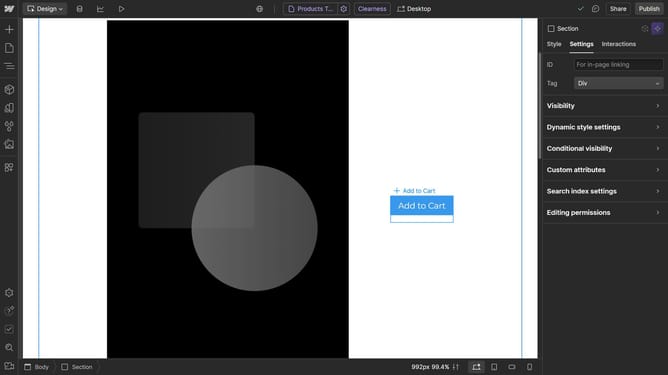
How to check your color contrast ratio in Webflow
Here is how to check your color contrast ratio in webflow
- First click on the text element you want to check
- Then click on the "Style" tab in the right sidebar
- Next click on the "Typography" section in the style settings panel
- Then click on the color picker icon next to the "Color" field in the Typography settings
- Next click on the color value input
- Here, you will see information about your contrast ratio
Why should you check your color contrast ratio in Webflow
Webflow is an innovative platform designed to empower users by simplifying the process of web design and development.
An essential feature within Webflow is the ability to check your color contrast ratio. This ensures your website meets accessibility standards by making your content readable for users with visual impairments.
By maintaining optimal color contrast, you enhance the user experience, improve readability, and foster inclusivity. This feature underscores Webflow's commitment to creating accessible, user-friendly websites effortlessly.
Last update