How to delete custom fonts in Webflow
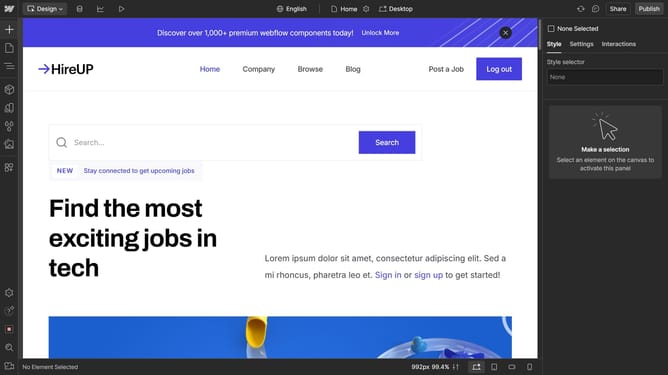
Here is how to delete custom fonts in webflow
- First click on the "Menu" button in the top-left corner of the interface
- Then select "Site settings" option from the left sidebar menu
- Next click on "Fonts" item in the left navigation panel
- Then click on the "Delete" button next to the installed font
- Finally click on the "Delete font" button in the confirmation dialog
Why should you delete custom fonts in Webflow
Webflow is an innovative platform that empowers users to design, build, and launch visually stunning websites without writing code.
The ability to delete custom fonts in Webflow enhances your site's performance by reducing unnecessary load times and declutters your design assets.
By removing unused fonts, you streamline your design process, making it easier to focus on the essential elements of your website's visual identity.
This feature supports better organization and efficiency, allowing for a cleaner, more professional look for your online presence.
Last update