How to add a flexbox in Webflow
Here is how to add a flexbox in webflow
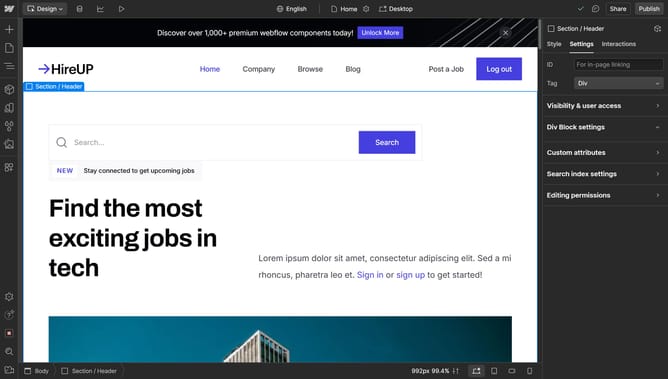
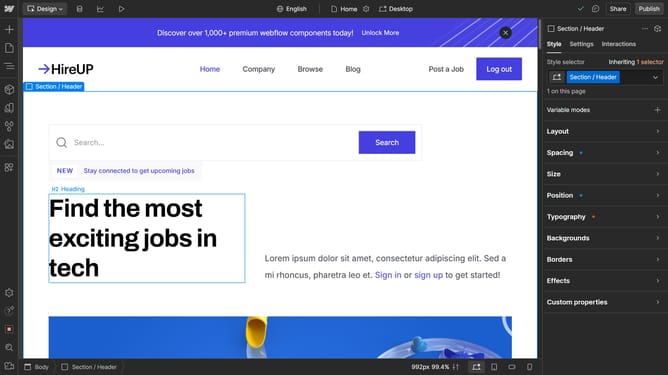
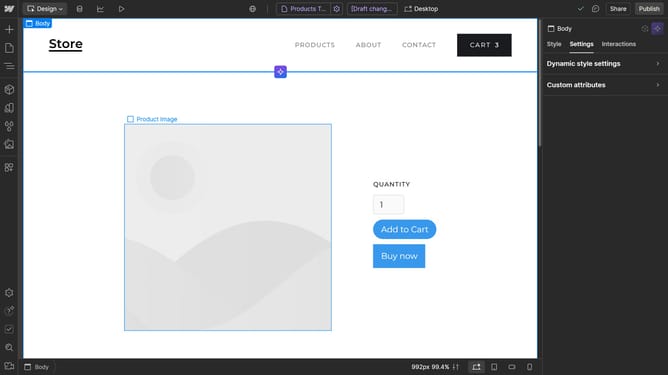
- First click on the "Add" button in the left sidebar
- Then click on "Search elements" field in the left sidebar
- Next type "Flex" in the search field of the left sidebar
- Finally, choose a flexbox and drag it onto your page
Why should you add a flexbox in Webflow
Webflow is a powerful web design platform that empowers users to create stunning, responsive websites without coding.
Adding a flexbox in Webflow dramatically enhances your design workflow by providing a flexible, efficient layout structure.
With a flexbox, elements can be easily aligned and distributed, making complex layouts manageable.
This feature ensures your website remains responsive across all devices, leading to a seamless and consistent user experience.
Last update