How to wrap flex children in Webflow
Here is how to wrap flex children in webflow
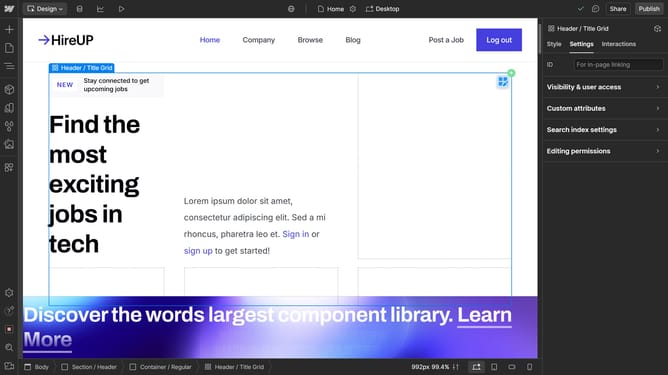
- First click the flex parent element
- Then click on the "Style" tab in the right sidebar
- Next click on the "Direction" dropdown menu in the Layout section
- Finally select "Wrap down" option from the Direction dropdown menu
Why should you wrap flex children in Webflow
Webflow is an intuitive design platform that bridges creativity and technical prowess for seamless web development.
Wrapping flex children in Webflow enhances responsiveness by allowing elements within a container to adapt smoothly across different screen sizes.
This feature ensures that your layout remains organized and visually appealing, rather than breaking or appearing cluttered on smaller devices.
Embracing the power of wrapping flex children results in a versatile and cohesive design, significantly improving user experience and engagement with your site.
Last update