How to archive a website in Webflow
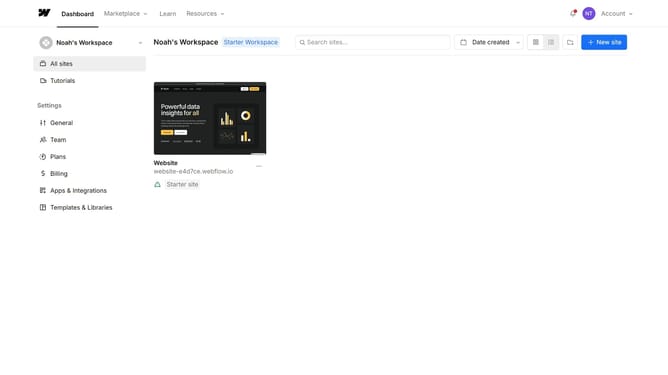
Here is how to archive a website in webflow
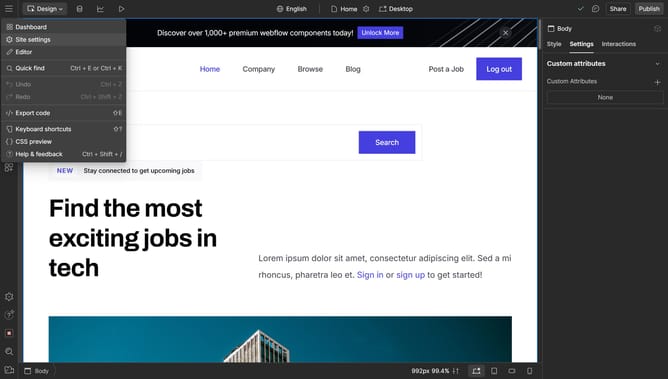
- First click on the "Site settings" icon in the top-right corner of the site preview card
- Then click on the "Archive" button in the top toolbar of the site settings page
- Next enter the confirmation text in the field of the Archive Site modal
- Finally click on the "Archive Site" button in the bottom-right corner of the Archive Site modal
Why should you archive a website in Webflow
Webflow is a powerful tool designed to bring your web design projects to life with ease and creativity.
Archiving a website in Webflow safeguards your previous versions without cluttering the current workspace.
This feature is particularly beneficial for maintaining a clutter-free environment while still preserving the ability to revisit past projects.
Using this functionality provides a secure way to manage your digital projects, ensuring you have access to previous designs whenever needed.
Last update