How to enable autoplay for slides in Webflow
Here is how to enable autoplay for slides in webflow
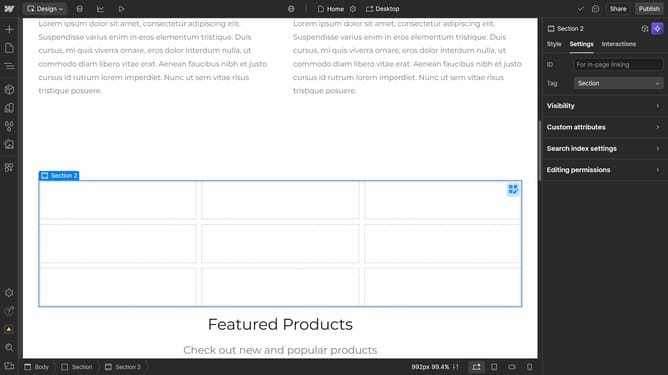
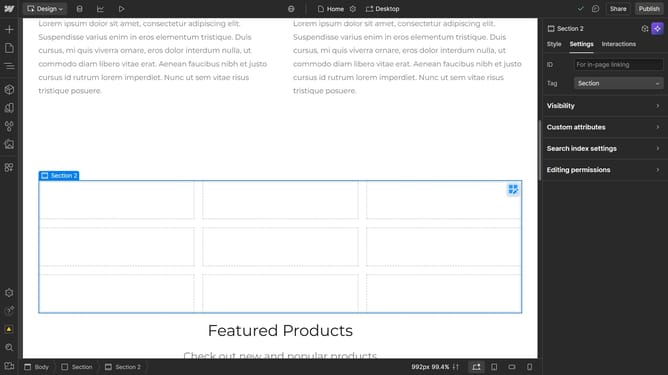
- First click on the center area of the slide preview in the main content area
- Then click on the "Slider settings" option in the right sidebar panel
- Next click on the "Auto-play slides" checkbox to enable the feature
- Finally click on the "Timer delay" input field and enter your desired value
Why should you enable autoplay for slides in Webflow
Webflow is an innovative web design tool that empowers creators with the ability to build responsive websites without coding.
One notable feature in Webflow is the option to enable autoplay for slides. By activating autoplay, your slides transition automatically, ensuring a seamless visual experience for viewers. This dynamic presentation captures attention and engages audiences more effectively.
Utilizing autoplay not only enhances the aesthetic appeal of your site but also ensures that vital content is presented without user intervention, maintaining flow and interest.
Last update