How to resize rows in Webflow
Here is how to resize rows in webflow
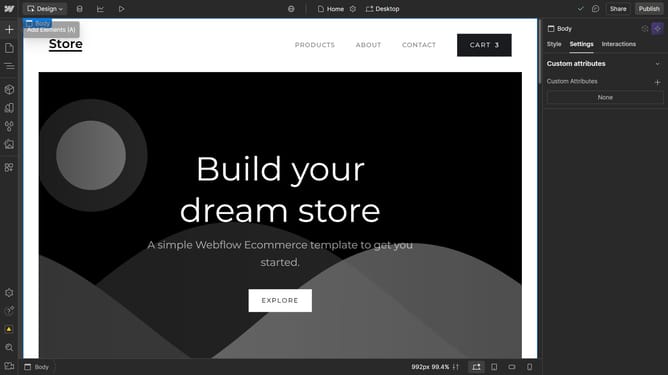
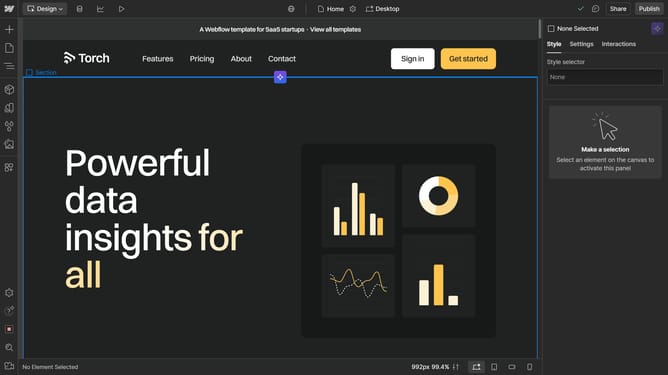
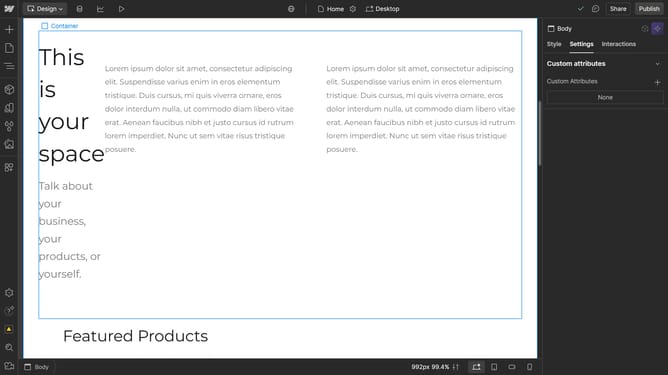
- First click the element with the grid layout to start editing
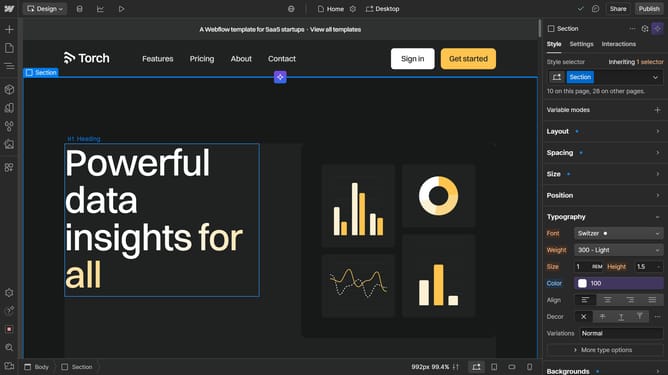
- Then click on the "Style" tab in the right sidebar
- Next click on the "Layout" option in the Style settings panel
- Click on "Grid" in the Display options dropdown menu
- Click row header in the left sidebar
- Adjust the row's width using the sizing slider in the popup menu
Why should you resize rows in Webflow
Webflow is a powerful platform designed to help you build visually stunning websites without writing a single line of code.
Resizing rows in Webflow is an intuitive feature that gives you complete control over the aesthetic and functional layout of your web design.
By easily adjusting row sizes, you can ensure your website’s structure is tailored to align with your content's specific needs and your audience's viewing preferences. This flexibility not only enhances the user experience but also improves the overall responsiveness of your site.
The ability to resize rows in Webflow also offers designers the freedom to implement creative layouts, ultimately crafting a more engaging and dynamic online presence.
Last update