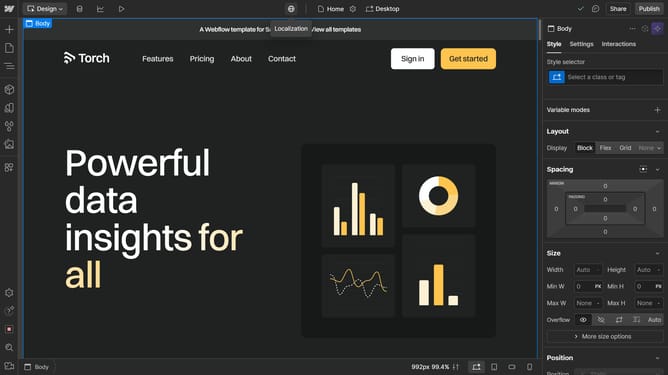
How to set the flex direction in Webflow
Here is how to set the flex direction in webflow
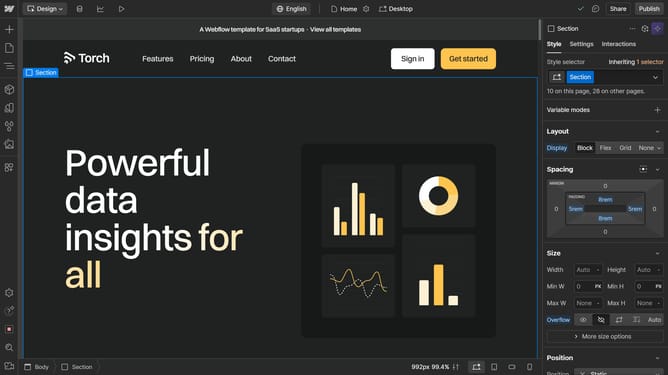
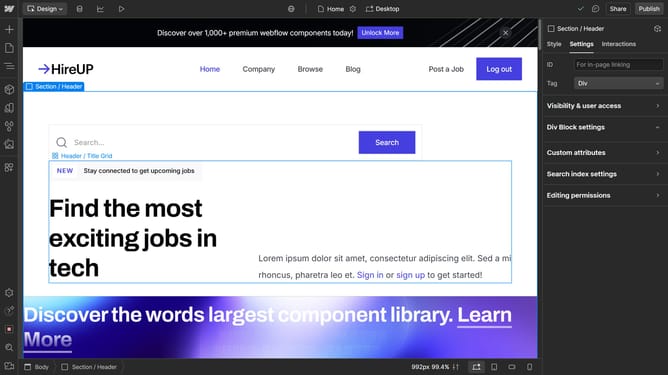
- First click on the element you want to edit
- Then click on the "Style" tab in the right sidebar settings panel
- Finally choose either horizontal or vertical (each represented with “arrow” icons)
Why should you set the flex direction in Webflow
Webflow is a powerful platform designed to craft visually stunning and responsive websites with ease.
Setting the flex direction in Webflow is a crucial feature that allows designers to control the layout and orientation of elements within a flexbox container.
This flexibility provides designers with the ability to create seamless and adaptable layouts, enhancing user experience across different devices.
Utilizing flex direction modifies how content is displayed, making the design process more intuitive and dynamic.
Last update