How to delete a locale in Webflow
Here is how to delete a locale in webflow
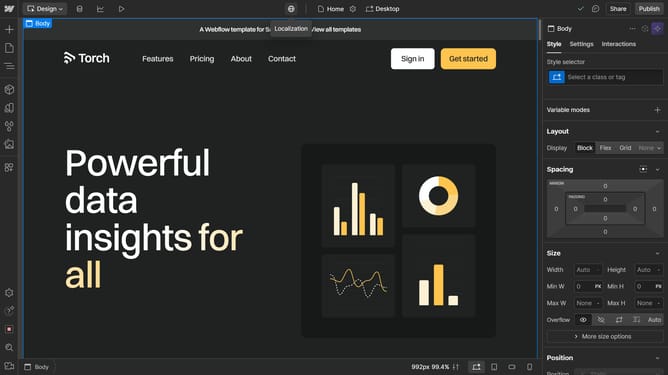
- First click on the "Localization" button in the top navigation bar
- Then click on "Localization settings" from the dropdown menu
- Next click on the dropdown arrow next to locale you want to delete
- Then click on "Delete this locale" button in the locale settings panel
- Click the "Delete locale" button in the confirmation dialog
- Finally click the "Save changes" button in the top bar of the Localization settings
Why should you delete a locale in Webflow
Webflow is a powerful platform that simplifies the process of designing and developing visually stunning websites without the need for coding.
The feature to delete a locale in Webflow allows users to maintain a streamlined and organized project environment.
This functionality is particularly beneficial when optimizing the overall structure and eliminating unwanted or outdated language versions.
By removing unnecessary locales, users can enhance site performance, keep content relevant, and improve the overall user experience effortlessly.
Last update