How to create a form in Webflow?
Here is how to create a form in webflow
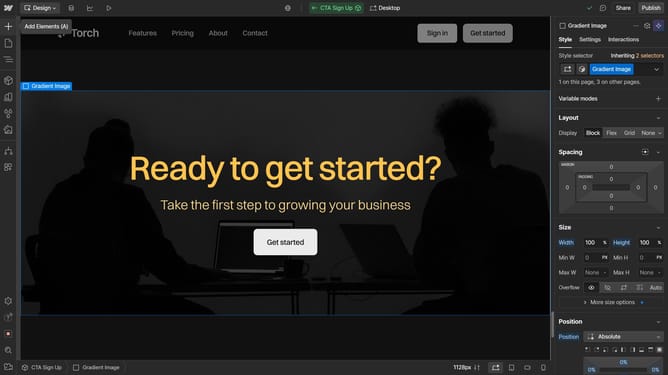
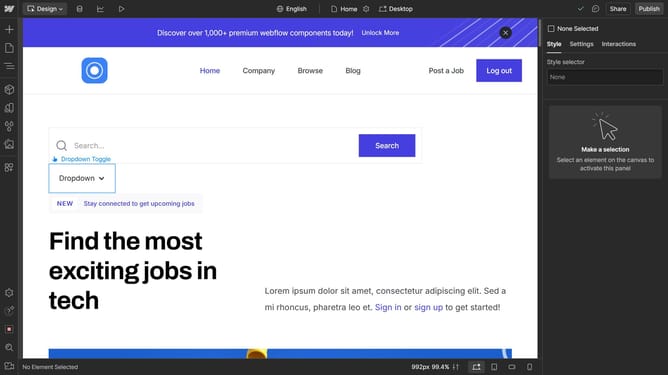
- First, click on the "Add Elements" panel in the left sidebar
- Then search "Form" in the search bar or scroll down to the its section
- Click and drag the Form Block to the desired location on your page
- Default fields and buttons appear, you can edit or change them as needed
- This pop-up will allow you to configure settings
- Webflow provides multiple Form States. Customize each state individually to enhance the user experience
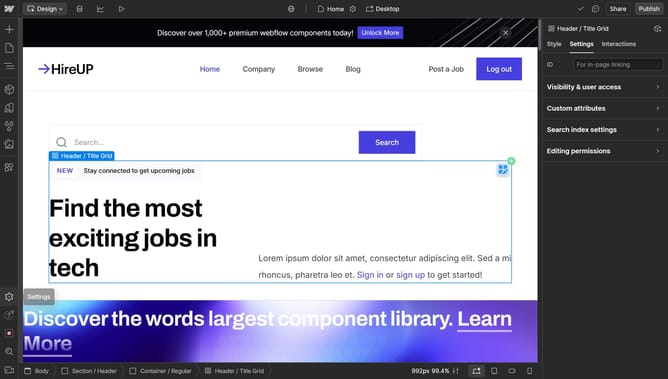
- And you can use the right sidebar for more customization
Why should you create a form in Webflow?
Webflow is a powerful, intuitive platform for designing and launching responsive websites without coding.
Creating a form in Webflow is as simple as dragging and dropping elements onto your page, allowing for seamless integration of customized forms that enhance user interaction. With Webflow's versatility, you can design everything from simple contact forms to complex surveys, tailored to fit your unique branding needs.
This feature is essential for gathering visitor information, improving engagement, and driving conversions, making it a valuable tool for any webmaster looking to optimize their site's performance.
Last update