How to delete a slide in Webflow
Here is how to delete a slide in webflow
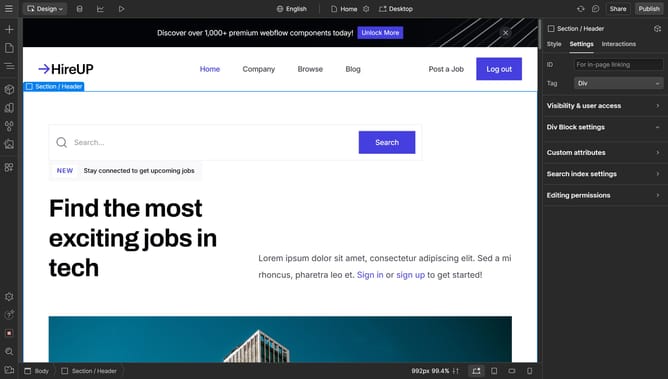
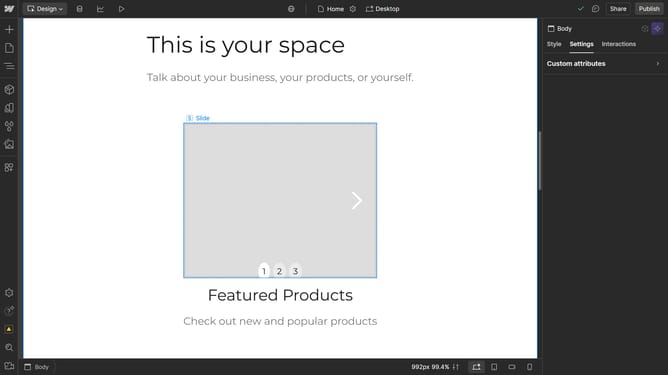
- First navigate to the slide you want to delete
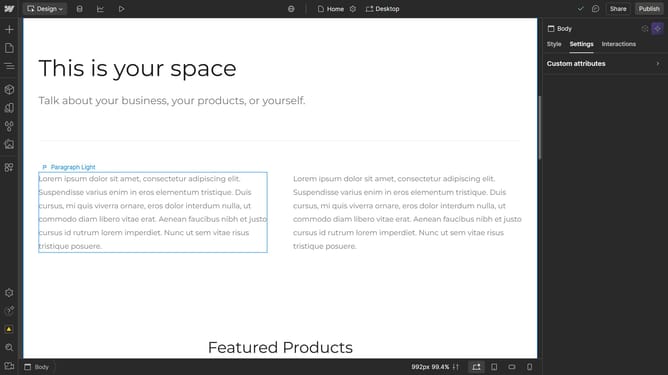
- Then, right-click the slide
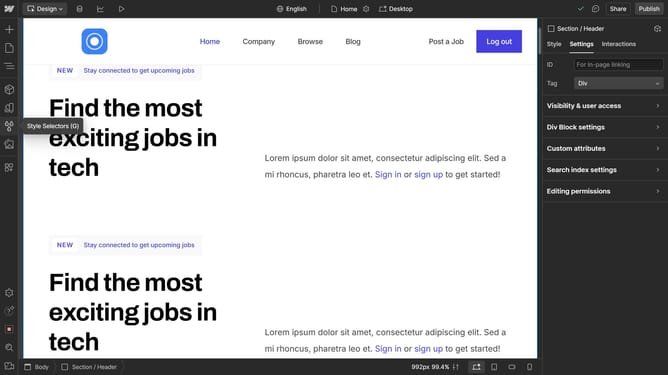
- Finally click on the "Delete" option in the context menu to remove the selected slide
Why should you delete a slide in Webflow
Webflow empowers you to design, build, and launch responsive websites visually.
Removing a slide in Webflow is an intuitive feature that enhances efficiency by keeping your design streamlined.
This ability allows users to maintain a clutter-free project, ensuring only necessary elements are present, which can aid in loading times and user experience.
Streamlining presentations by deleting unwanted slides helps maintain audience focus and elevates overall design coherence.
Last update