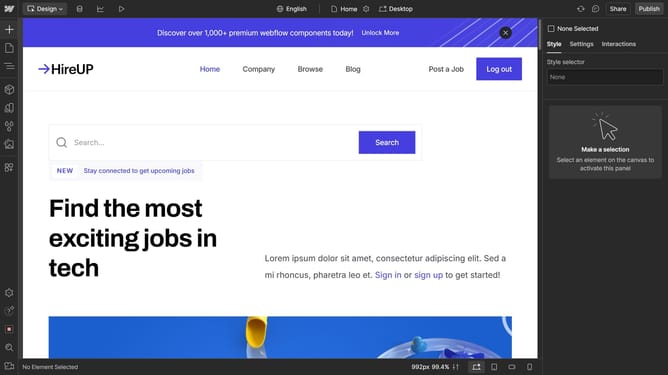
How to convert div blocks to link blocks in Webflow
Here is how to convert div blocks to link blocks in webflow
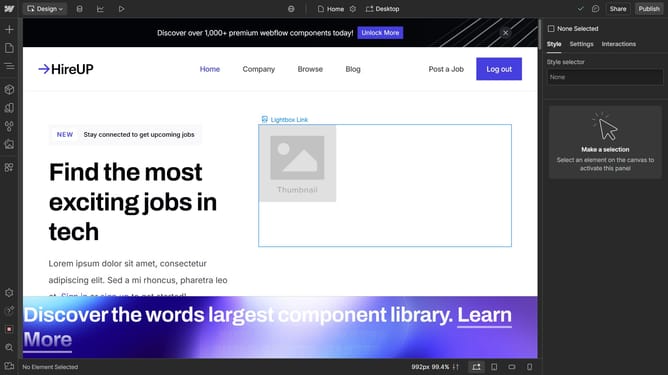
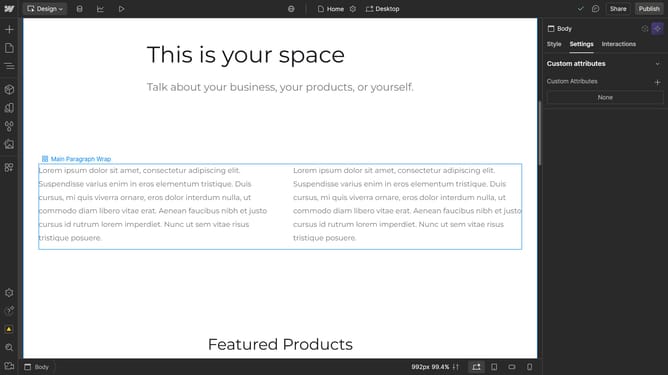
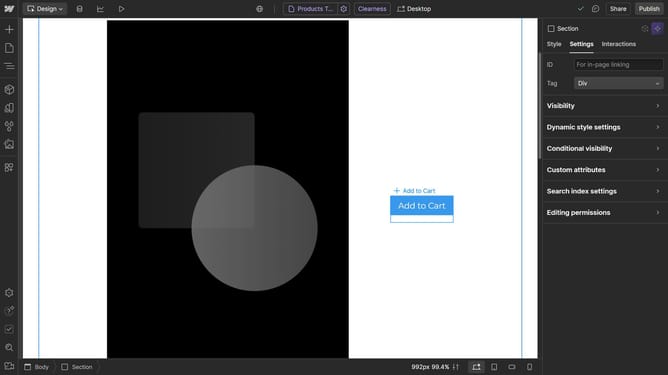
- First click on the "Div Block" element in the main content area
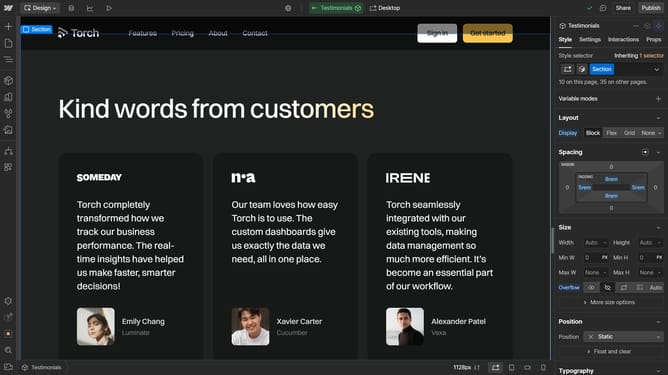
- Then click on the "Navigator" icon in the left sidebar
- Next right-click on the "Div Block" item in the Navigator panel
- Then click on the "Convert to" option in the context menu
- Finally select "Link Block" from the conversion options submenu
Why should you convert div blocks to link blocks in Webflow
Webflow is a powerful tool that simplifies web design and development for creatives and developers alike.
Transforming div blocks into link blocks in Webflow can enhance the user experience by making your site more interactive and engaging.
Utilizing this feature allows you to effortlessly direct users to specific pages or external sites, keeping navigation intuitive.
Ultimately, this capability ensures a seamless journey through your site, encouraging prolonged engagement and interaction.
Last update