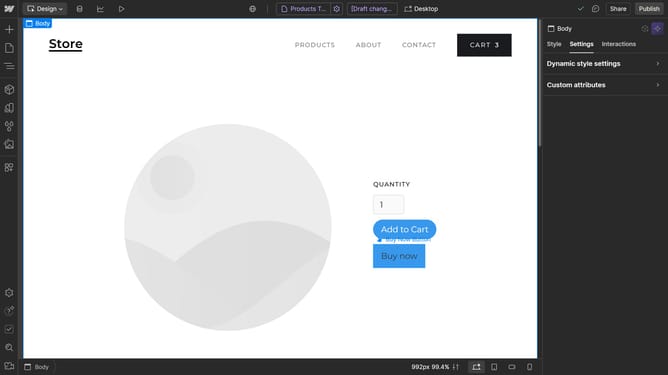
How to use the color dropper tool for backgrounds in Webflow
Here is how to use the color dropper tool for backgrounds in webflow
- First, click on the element you want to edit
- Then click on the "Style" tab in the right sidebar
- Next click on the "Backgrounds" option in the Style settings panel
- In the Backgrounds section, locate and click on the color option
- Click on the eyedropper tool in the color picker panel
- Finally, click on the color you want to apply to your background
Why should you use the color dropper tool for backgrounds in Webflow
Webflow is a powerful tool, perfect for effortlessly crafting visually stunning websites.
The color dropper tool in Webflow is an intuitive feature that helps seamlessly integrate precise hues into your designs.
By allowing you to sample colors directly from images or other elements, it ensures that your backgrounds are consistent and visually harmonious with the rest of your site.
This attention to detail results in professional-grade web pages that captivate and engage audiences.
Last update