How to duplicate a block quote in Webflow
Here is how to duplicate a block quote in webflow
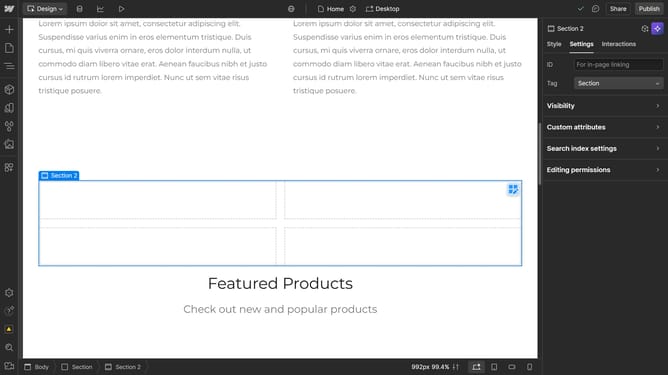
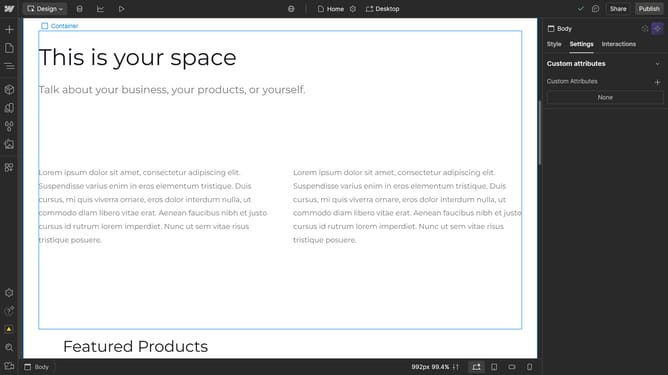
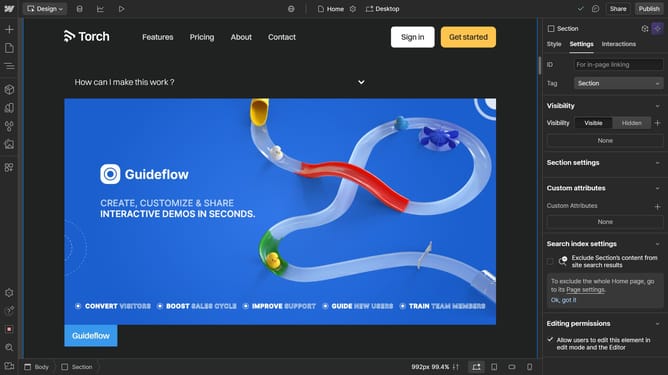
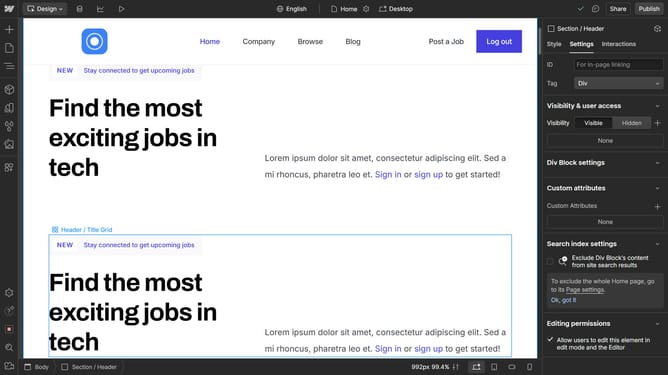
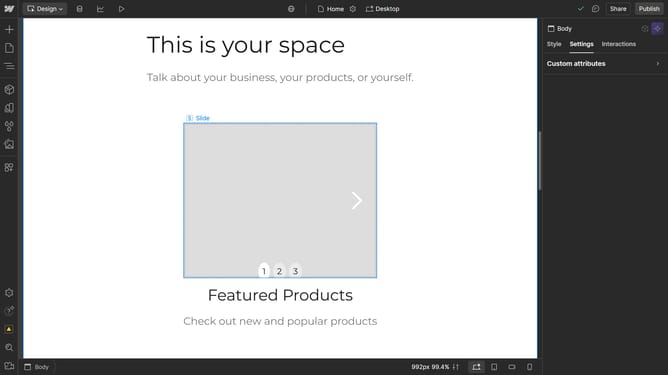
- First click on the "Block Quote" element in the main content area
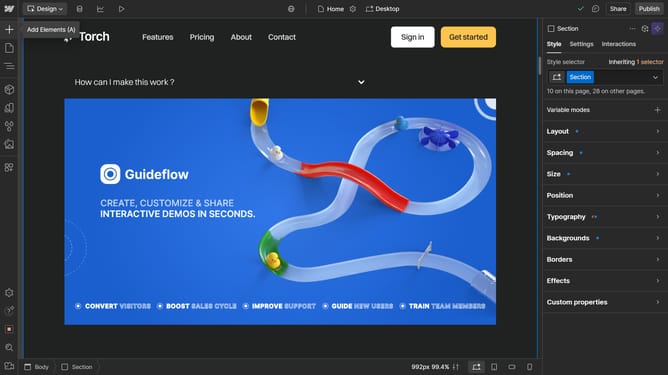
- Then click on the "Layout" button in the left sidebar
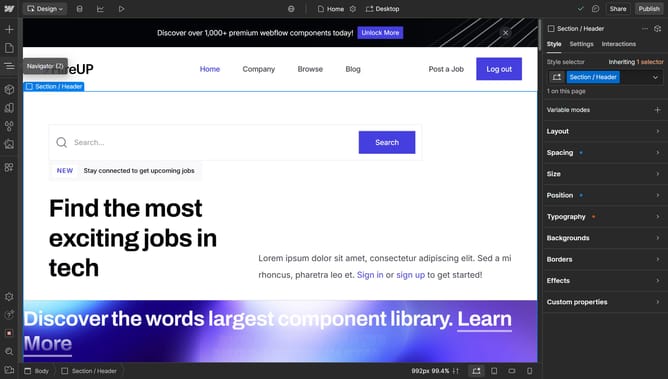
- Next right-click on the "Block Quote" element in the Navigator panel
- Finally click on the "Duplicate" option in the context menu
Why should you duplicate a block quote in Webflow
Webflow is a cutting-edge platform that melds design, development, and creativity into seamless web experiences.
Duplicating a block quote in Webflow enhances productivity by allowing consistent styling across different pages. This feature helps maintain brand voice and emphasis, efficiently aligning content with visual intents.
By simplifying repetitive tasks, duplicating boosts workflow, fosters creativity, and ensures a cohesive presentation. This efficiency lets you focus more on originality and less on redundancy.
Last update