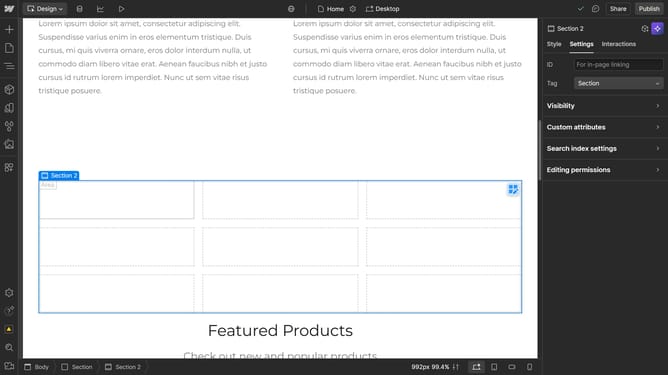
How to reverse wrap flex children in Webflow
Here is how to reverse wrap flex children in webflow
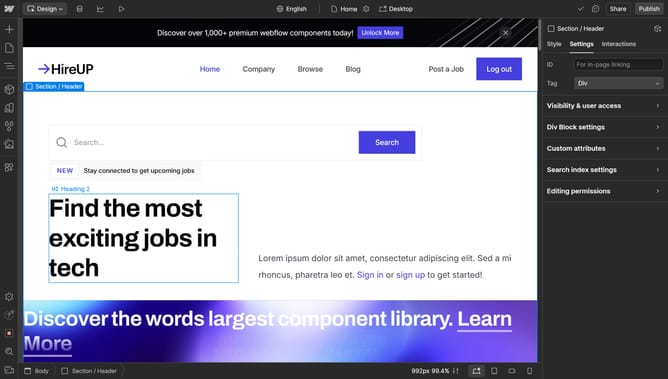
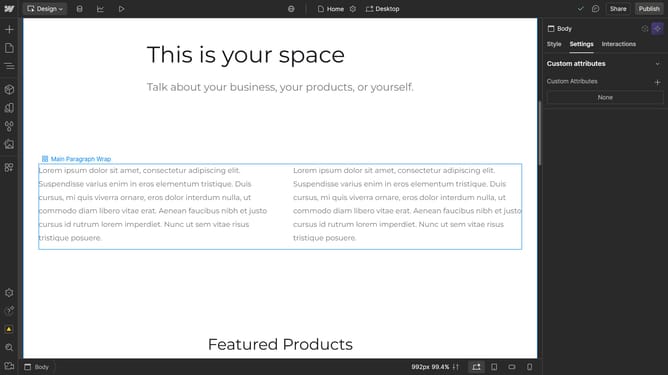
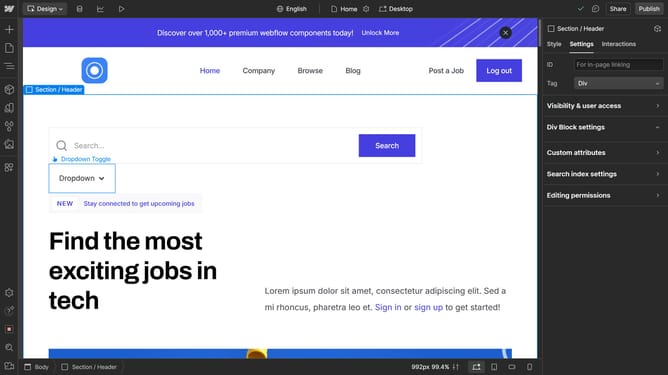
- First select the container element in the main editor area
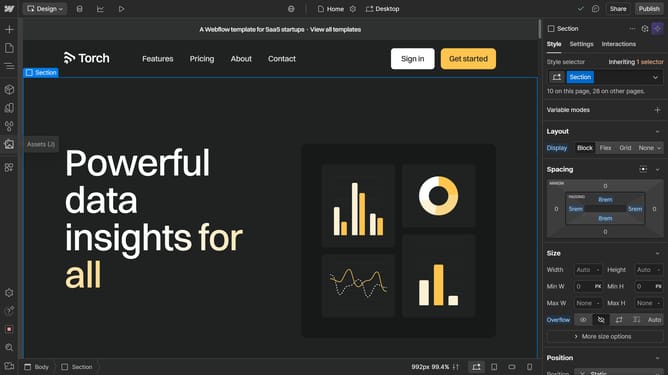
- Then click on the "Style" tab in the right sidebar
- In the right sidebar's Layout section, click on the "Direction" dropdown menu
- Finally select opposite "Wrap up" option from the Direction dropdown menu
Why should you reverse wrap flex children in Webflow
Webflow empowers creators to design and build professional websites with complete creative control.
Reversing the wrap order of flex children in Webflow unlocks enhanced design flexibility, allowing elements to flow in reverse across a container.
This feature is particularly advantageous when you want to rearrange content dynamically, ensuring a more responsive and visually appealing layout.
Ultimately, it helps streamline design processes, making website creation more intuitive and adaptable.
Last update