How to change the order of a flex child in Webflow
Here is how to change the order of a flex child in webflow
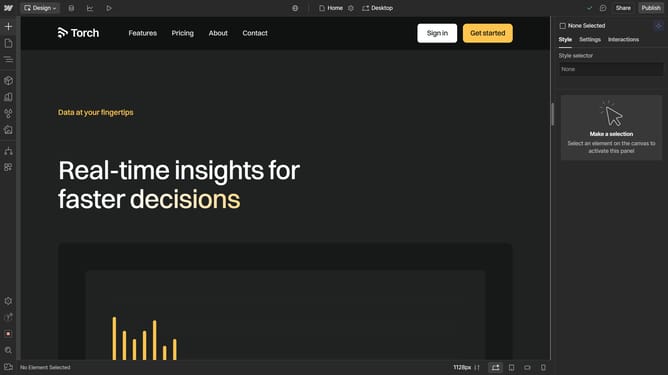
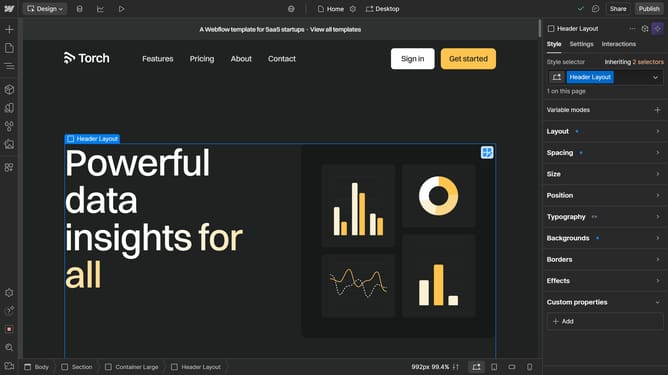
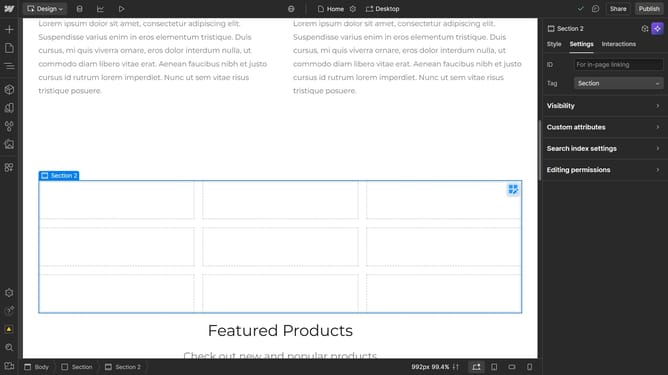
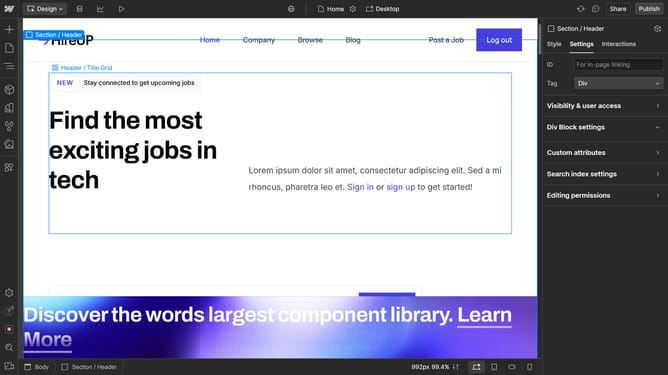
- First select the container element in the main content area
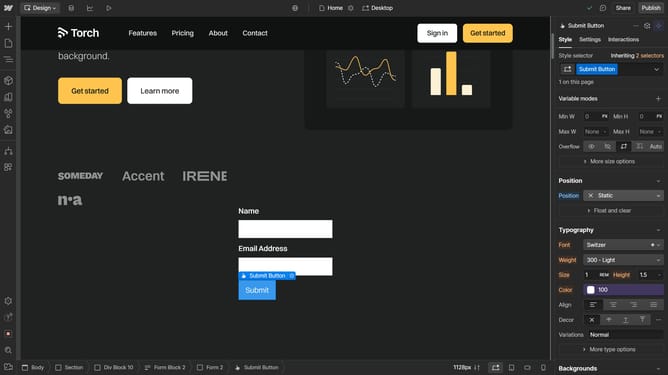
- Then click on the "Styles" tab in the right sidebar
- Finally, choose an option from the Order section
Why should you change the order of a flex child in Webflow
Webflow is a powerful tool that bridges the gap between design and development, allowing users to create responsive websites seamlessly.
One standout feature is the ability to easily change the order of flex children. This feature offers incredible flexibility by letting you rearrange content dynamically without altering the HTML structure.
This is particularly beneficial for ensuring that your site's layout adapts perfectly to various screen sizes, enhancing user experience and engagement.
Such adaptability ensures your designs remain visually appealing and user-friendly, regardless of the device used to view them.
Last update