How to add bullet points in Webflow?
Here is how to add bullet points in webflow
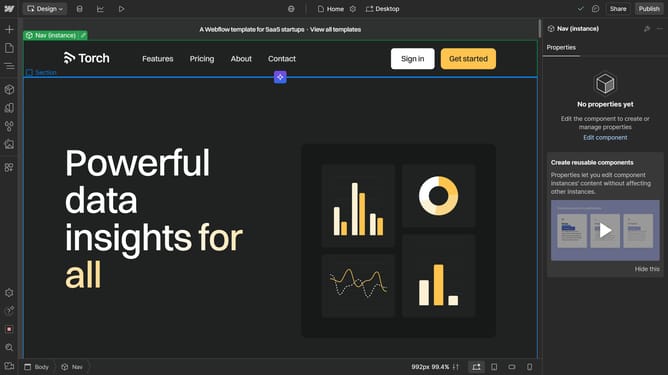
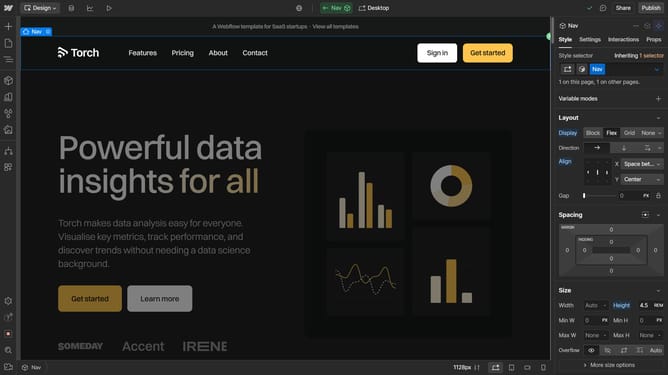
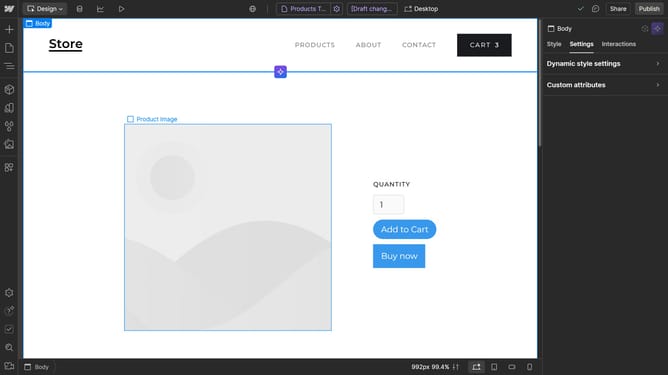
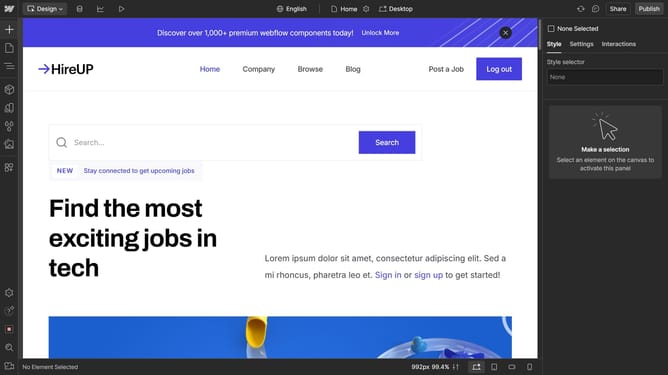
- First, click on the "Add Elements" button in the left sidebar
- Locate the "List" element and drag it into your project
- In the settings pop-up, choose "Bullets" under the Style options
- Your bullet-point list is now set up and ready for editing or customization
Why should you add bullet points in Webflow?
Webflow is a powerful platform for designing, building, and launching visually stunning websites without code.
Adding bullet points in Webflow seamlessly enhances content structure, improving readability and user engagement. This versatile feature easily highlights key information, breaking down complex ideas into digestible snippets. By organizing text clearly, bullet points foster a better user experience and facilitate faster understanding.
Incorporating bullet points can also reinforce SEO efforts by making content more comprehensible for search engines, boosting visibility and organic reach.
Last update