How to enable clear in Webflow
Here is how to enable clear in webflow
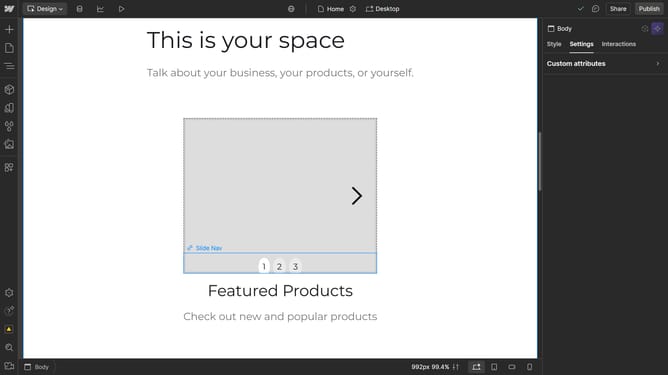
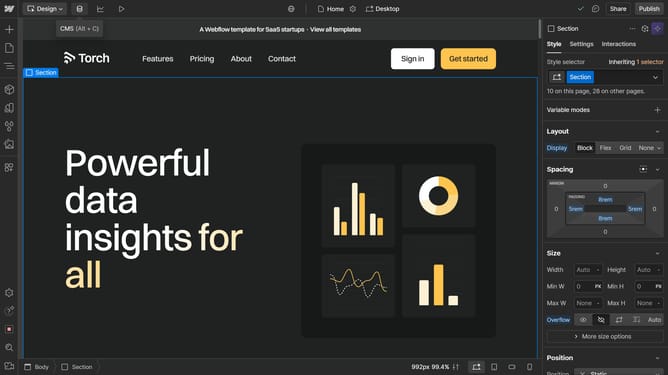
- First select the section in the main canvas area
- Then click on the "Settings" tab in the right sidebar
- Next click on the "Position" option in the style settings panel
- Then click on the "Float and clear" dropdown menu
- Finally click on the desired Clear option in the float and clear settings
Why should you enable clear in Webflow
Webflow is an intuitive design tool that empowers users to build professional websites without coding.
Enabling the clear feature in Webflow enhances design precision, improving the layout's visual clarity. This feature helps streamline element placement, ensuring that everything is correctly aligned and easily accessible.
By using clear in Webflow, designers can optimize the presentation of content, offering a more seamless and engaging user experience. The result is a more organized and appealing website, boosting both aesthetics and functionality.
Last update