How to add columns to a grid in Webflow
Here is how to add columns to a grid in webflow
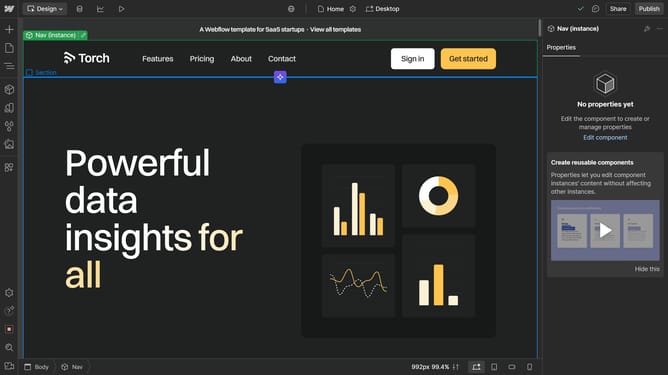
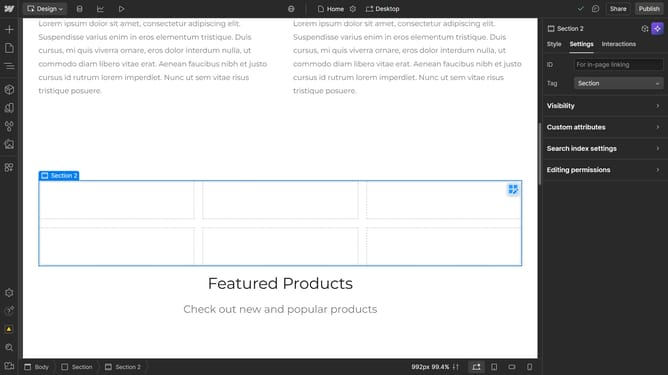
- First click the element with the grid layout
- Then click on the "Style" tab in the right sidebar
- Next click on the "Layout" option in the right sidebar settings panel
- Finally click on the "Grid" columns input field and set it to the desired amount
Why should you add columns to a grid in Webflow
Webflow is an innovative platform that empowers users to design and develop professional websites without coding.
Adding columns to a grid in Webflow enhances layout flexibility and allows for a more organized presentation of content.
This feature benefits users by enabling them to neatly align text, images, and multimedia elements, improving user experience and visual appeal.
Using columns within a grid structure maximizes space efficiency and responsiveness, making your design both eye-catching and functional.
Last update