How to enable float in Webflow
Here is how to enable float in webflow
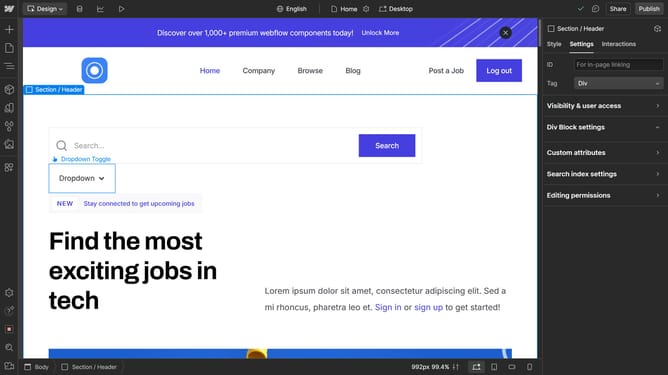
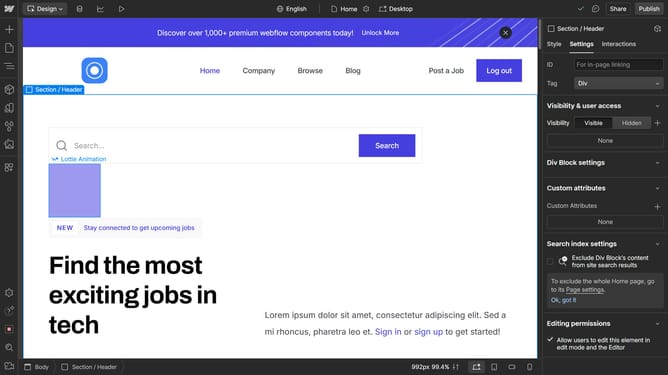
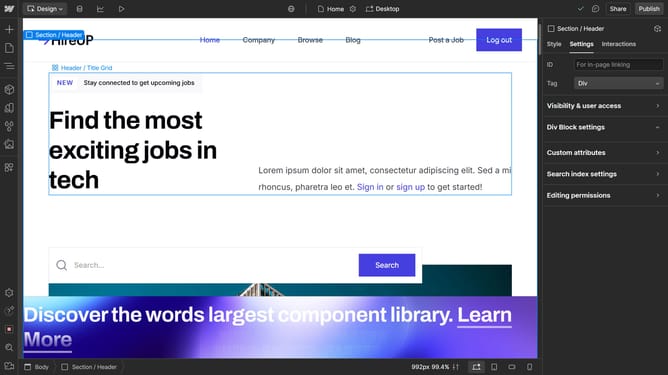
- First click the element you want to float
- In the right sidebar, click on the "Style" tab to access styling options
- Click on the "Position" option in the right sidebar's style panel
- Expand the "Float and clear" section by clicking on it in the position settings
- Finally click on the "Float" option to adjust the floating behavior of the section
Why should you enable float in Webflow
Webflow is a dynamic platform designed to empower designers to bring their web creations to life without needing to code.
One of Webflow’s standout features is the ability to enable float, a crucial tool for achieving precise layout arrangements.
By integrating float into your design, you can control the positioning of elements, creating a visually appealing and organized structure.
Implementing float enhances the user experience by ensuring content is presented in a clear and engaging manner, effectively utilizing space.
Last update