How to add row to a grid in Webflow
Here is how to add row to a grid in webflow
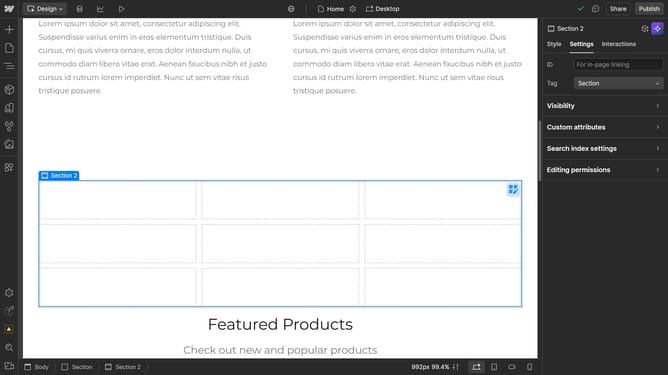
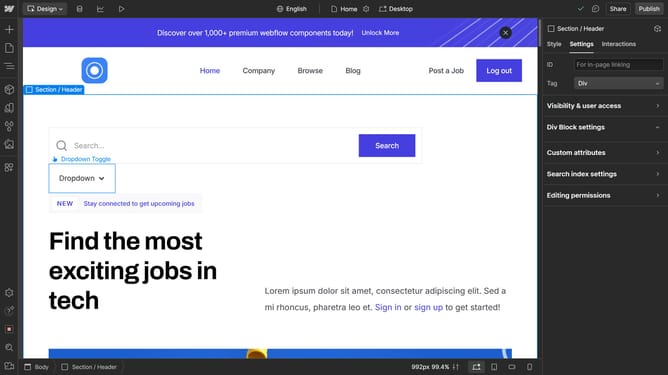
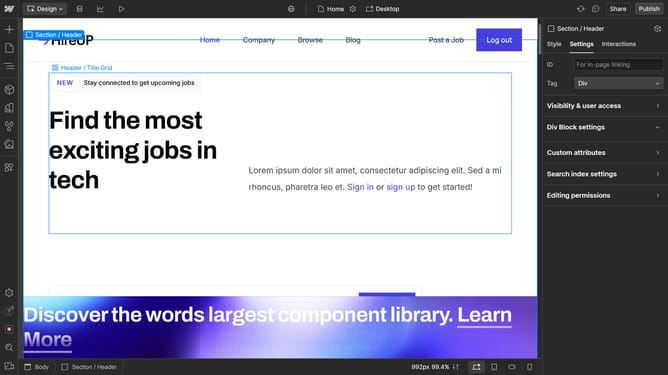
- First click the element with the grid layout
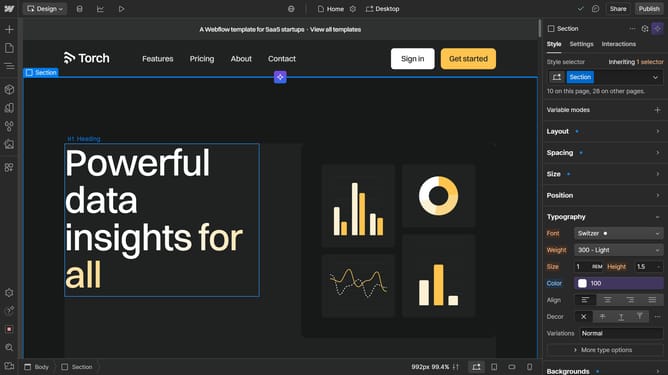
- Then click on the "Style" tab in the right sidebar panel
- Next click on the "Layout" option in the style settings panel
- Finally click on the "Rows" input field in the grid layout settings to adjust the number of rows
Why should you add row to a grid in Webflow
Webflow is an innovative platform allowing creators to design, build, and launch responsive websites visually.
Adding a row to a grid in Webflow is a seamless feature that enhances the flexibility of your layout. This feature allows you to create a more organized and visually appealing design, making your content more accessible and engaging for viewers.
By utilizing this feature, you ensure that your website dynamically adjusts to varied content needs while maintaining a clean and structured aesthetic. This not only enhances user experience but also boosts overall site functionality.
Last update