How to adjust gaps between rows in Webflow
Here is how to adjust gaps between rows in webflow
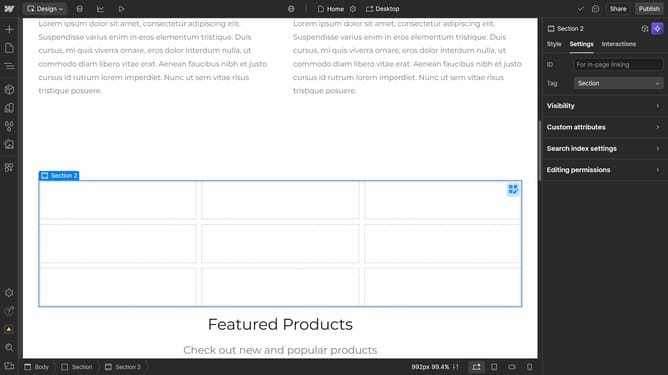
- First, click on the element with the grid layout applied
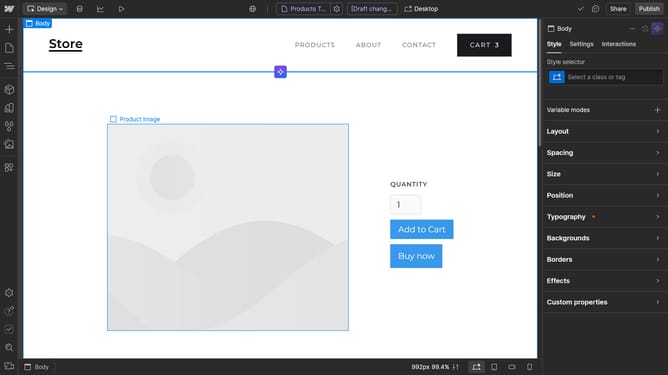
- Then click on the "Style" tab in the right sidebar settings panel
- Next click on the "Layout" section in the style settings
- Finally click on the "Rows" gap input field and enter your desired value
Why should you adjust gaps between rows in Webflow
Webflow empowers creators to design, build, and launch responsive websites visually without coding.
The ability to adjust gaps between rows in Webflow is a key feature that enhances the flexibility of your design layout. This feature allows you to create a more breathable and aesthetically pleasing web page by managing the spacing between content sections.
This customization not only improves the visual harmony of your site but also enhances user experience by ensuring a clean, easy-to-navigate layout. Emphasizing visual flow can significantly impact user retention and engagement.
Last update