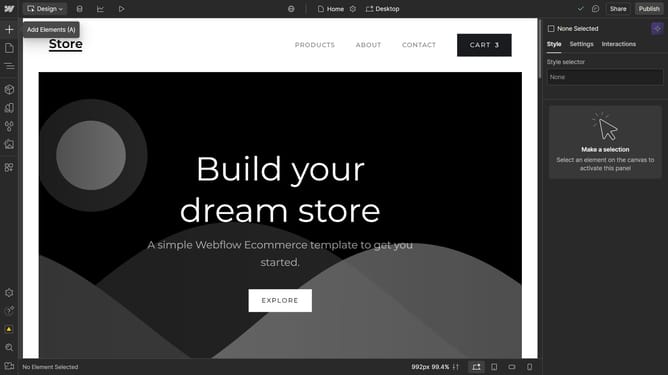
How to change the display name of a localization in Webflow
Here is how to change the display name of a localization in webflow
- First click on the "Settings" button in the left sidebar
- Then click on the "Localization" option in the settings menu
- Next click on the locale in the locales table
- Then click into the "Display name" text field and enter the locale display name
- Finally click the "Save" button in the bottom right to save the changes
Why should you change the display name of a localization in Webflow
Webflow is a powerful platform that empowers designers to build visually stunning, responsive websites without writing code.
One valuable feature within Webflow is the ability to change the display name of a localization. This feature allows you to easily customize how your localized content is identified, making it more intuitive for users to navigate.
Customization of display names enhances organization, improving the overall user experience and ensuring that your content is accessible and user-friendly.
By optimizing localization labels, you can maintain consistency across your project and communicate more clearly with your target audience.
Last update