How to create a new class in Webflow
Here is how to create a new class in webflow
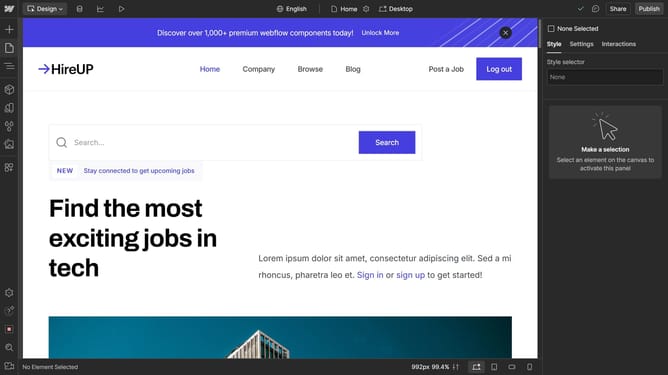
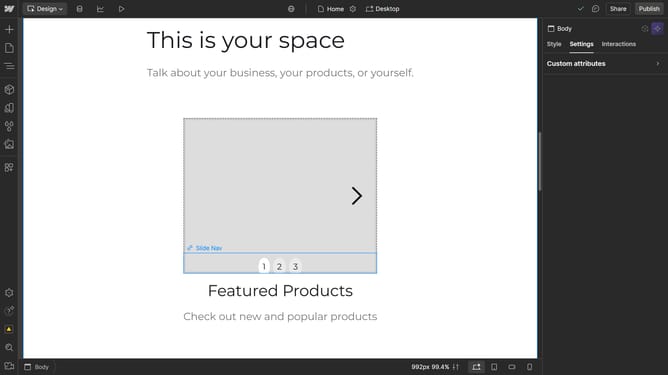
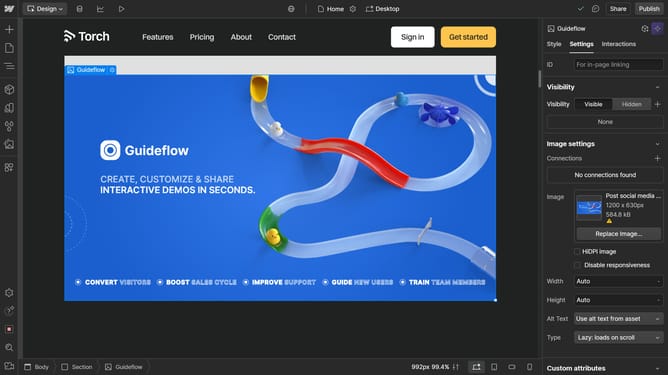
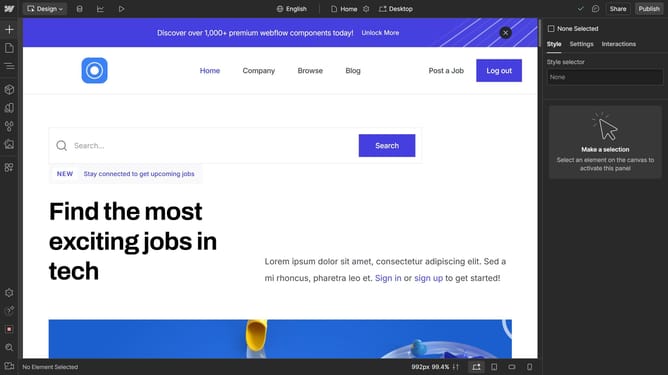
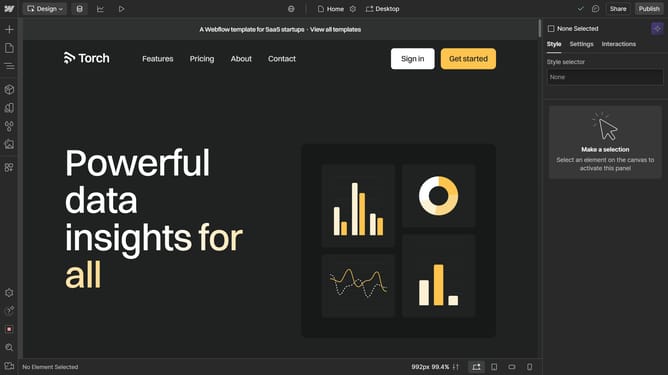
- First select an element on the canvas
- Then click on the "Style" tab in the right sidebar
- Next click on the style selector field and type in your new class
- Finally click on the "Create" button in the style selector dropdown menu
Why should you create a new class in Webflow
Webflow is a powerful platform that empowers users to design and build professional websites visually.
Creating a new class in Webflow allows you to customize and manage styles efficiently across your website. By setting up a new class, you can apply consistent styling to elements, streamlining your design process and ensuring a cohesive look.
This feature is incredibly beneficial as it saves time by minimizing repetitive tasks and enhances design consistency, contributing to a polished and professional appearance for your site.
Last update