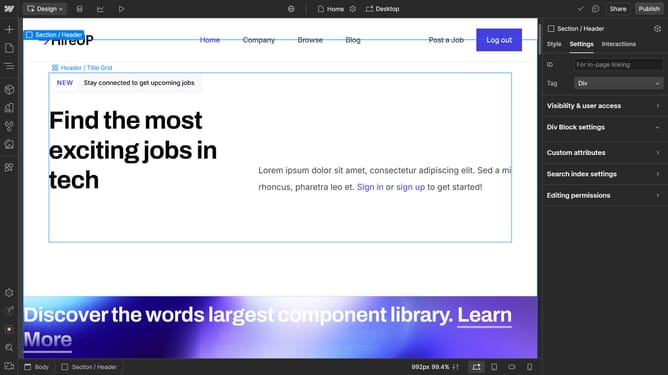
How to add a div block in Webflow
Here is how to add a div block in webflow
- First click on the "Add" button in the left sidebar
- Then click on the "Search elements" field in the left sidebar Elements panel
- Type "Div" in the search field of the Elements panel
- Finally click on the "Div Block" element in the search results of the left sidebar
Why should you add a div block in Webflow
Webflow is a revolutionary platform that empowers users to design professional websites visually.
Adding a div block in Webflow offers users the ability to create organized and structured layouts effortlessly. This versatile feature acts as a container, bringing flexibility and precision to your design by grouping elements together or dividing content areas.
Using div blocks enhances maintainability and aesthetics, making your web design adaptable and neatly arranged. It is a cornerstone feature for any designer aiming to optimize their web project with organized content flow and responsive design capabilities.
Last update