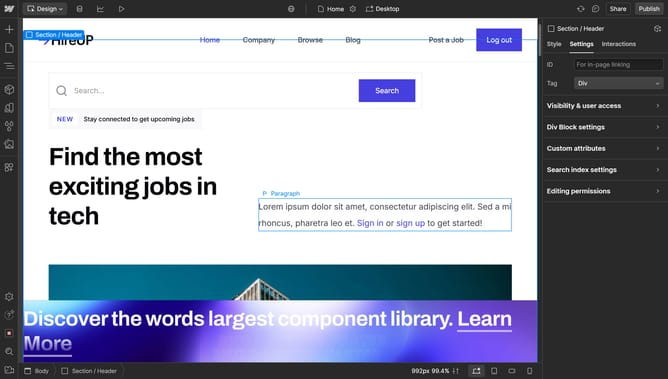
How to delete rows from a grid in Webflow
Here is how to delete rows from a grid in webflow
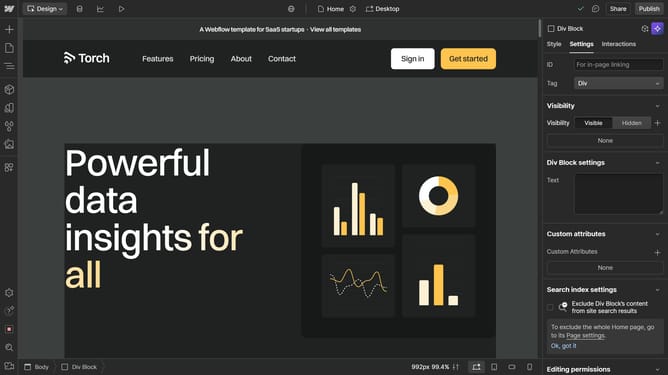
- First, click on the element with the grid layout applied
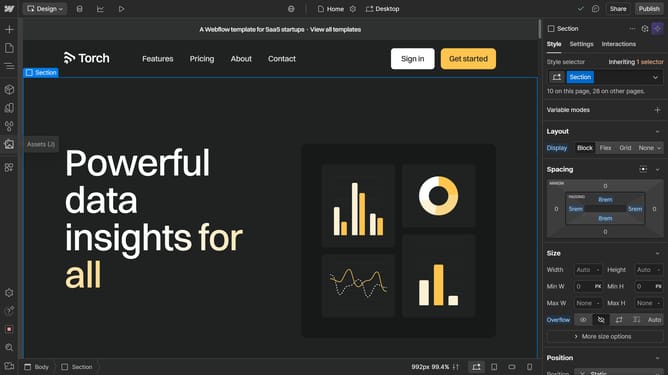
- Then click on the "Style" tab in the right sidebar settings panel
- Next click on the "Layout" option in the style settings menu
- Then click on the grid settings icon in the Layout panel
- Finally click on the "Delete" icon in the Grid settings rows section
Why should you delete rows from a grid in Webflow
Webflow is a powerful platform that empowers users to design, build, and launch responsive websites visually.
The ability to delete rows from a grid in Webflow enhances flexibility in web design. Utilizing this feature allows for the seamless removal of unnecessary content or layout elements, ensuring a cleaner, more focused design.
By strategically deleting grid rows, you can optimize your webpage’s structure, maintain an uncluttered design, and improve user experience. This results in a more engaging and efficient website presentation.
Ultimately, this feature allows for precision and control, crucial for crafting professional and visually appealing websites tailored to unique project needs.
Last update