How to make your texts transparent in Webflow
Here is how to make your texts transparent in webflow
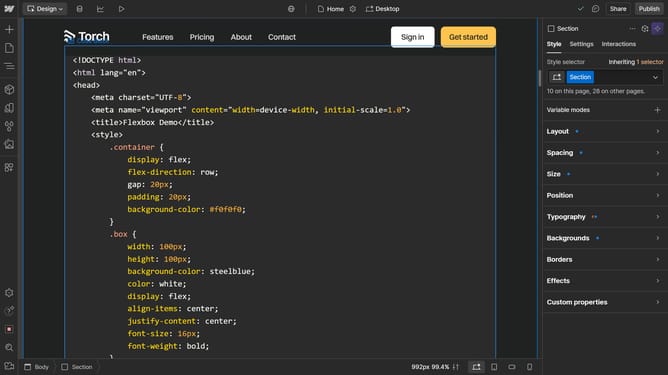
- First click on the text element
- Then click on the "Style" tab in the right sidebar
- Next click on the "Typography" section in the right sidebar settings panel
- Then click on the color input field in the Typography settings
- Next click on the color value field
- Finally adjust the opacity value to "0" in the opacity slider
Why should you make your texts transparent in Webflow
Webflow is an intuitive platform empowering users to design, build, and launch responsive websites visually.
By making your texts transparent in Webflow, you can elevate the aesthetics of your site, creating layers and depth that attract and hold attention.
This feature allows you to integrate your text seamlessly with background elements, enhancing your design's overall cohesion.
The benefit of this approach includes engaging user experiences and a modern, clean look that sets your website apart.
Last update