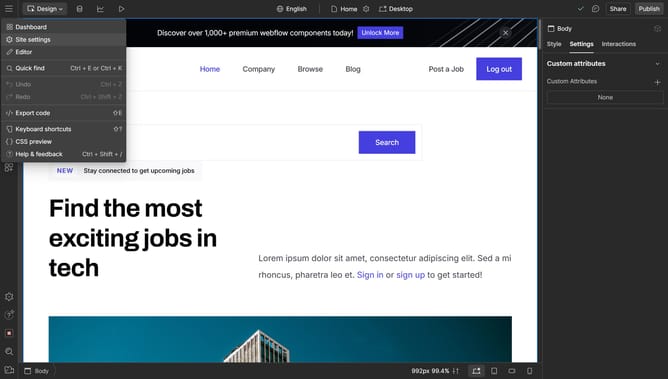
How to delete grid rows in Webflow
Here is how to delete grid rows in webflow
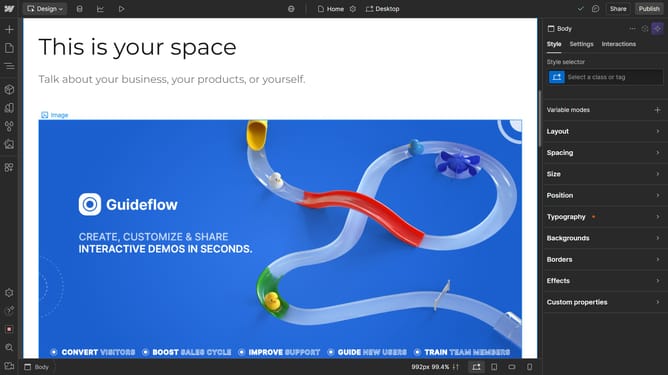
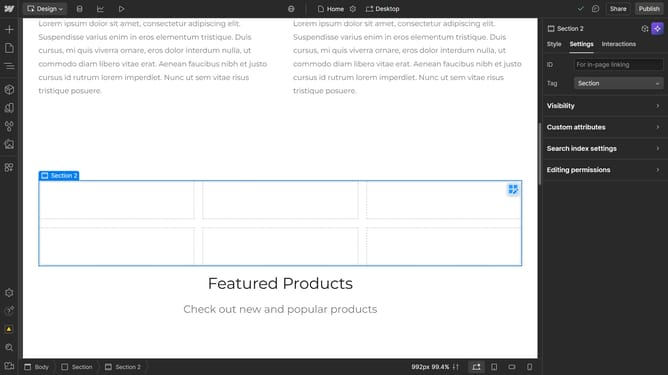
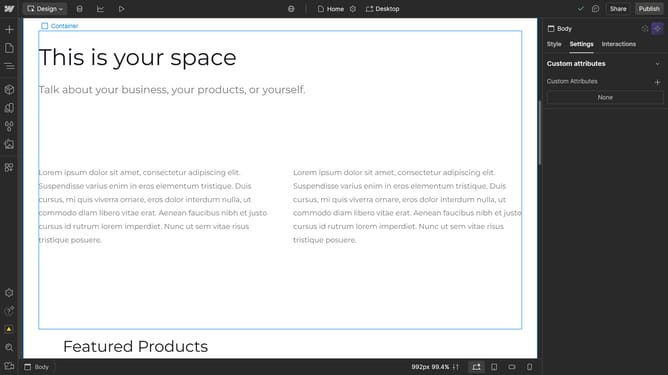
- First click on the content section in the main area to begin editing
- Then click on the "Style" tab in the right sidebar settings panel
- Next click on the "Layout" option in the style settings menu
- Then click on the "Grid" display option in the layout settings
- Finally click on the "Remove" button in the rows section of the grid settings
Why should you delete grid rows in Webflow
Webflow is a versatile platform that empowers designers to create visually stunning websites without coding.
A key feature within Webflow is its intuitive grid system, which offers flexibility and precision in web design.
Deleting grid rows in Webflow is an efficient way to streamline your layout, removing unnecessary components to enhance overall design clarity.
This feature allows users to keep their workspace organized, ensuring a site structure that is both functional and aesthetically pleasing.
Last update