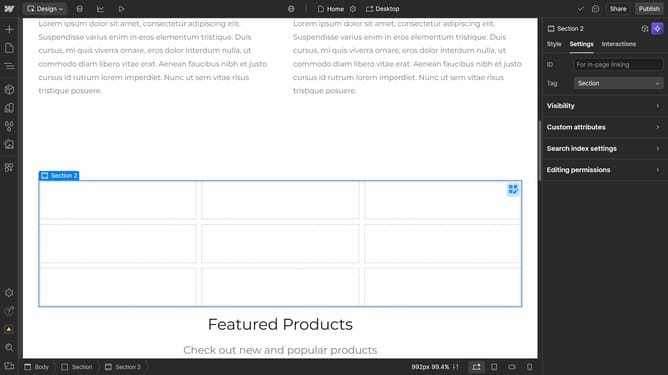
How to duplicate grid rows in Webflow
Here is how to duplicate grid rows in webflow
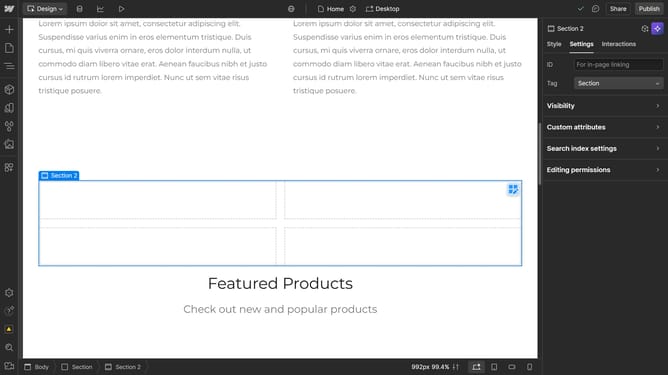
- First click the element with the grid layout to start editing
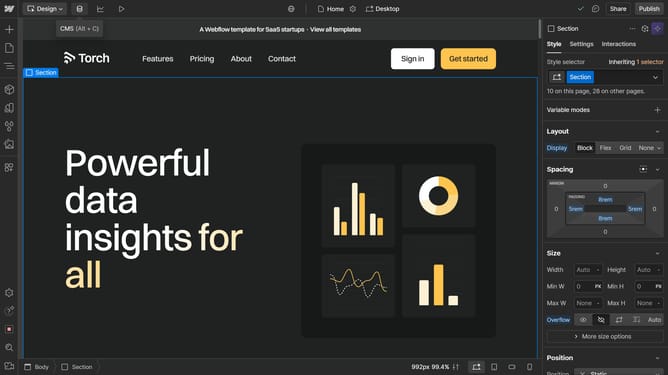
- Then click on the "Style" tab in the right sidebar
- Next click on the "Layout" option in the style settings panel
- Then select "Grid" from the Display options in the Layout settings
- Finally click the "Duplicate" button in the Grid settings panel under Rows section
Why should you duplicate grid rows in Webflow
Webflow is a powerful design tool that allows users to build responsive websites visually without coding.
Duplicating grid rows in Webflow is a straightforward feature that enhances your design efficiency. With a few clicks, you can replicate intricate layouts, saving time and effort.
This feature is ideal for maintaining design consistency across multiple pages or sections on your site. It allows you to swiftly build and expand your design, ensuring your project remains visually coherent and professional.
By mastering this feature, you improve your workflow, allowing more time to focus on other creative aspects.
Last update