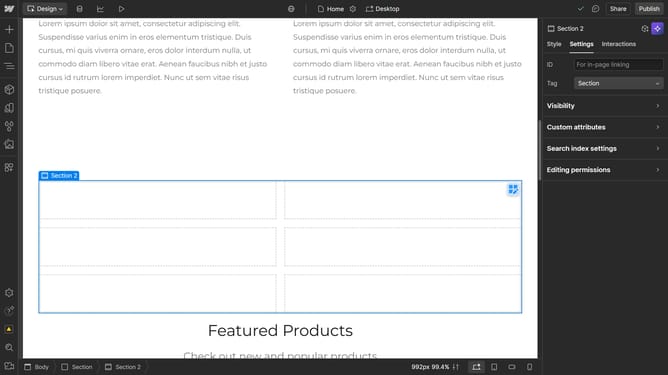
How to add shadows inside the box in Webflow
Here is how to add shadows inside the box in webflow
- First select the element you want to add a box shadow to
- Then click on the "Style" tab in the right sidebar settings panel
- Next click on the "Effects" option in the style settings menu
- Then click on the "Box shadows" plus icon to add a new shadow effect
- Next click on the "Inside" option under the shadow Type settings
- Then click on the shadow color picker icon to adjust the color
- Finally click in the color picker area to select the desired shadow color
Why should you add shadows inside the box in Webflow
Webflow is a powerful web design tool that allows you to create professional, responsive websites without the need for coding.
Adding shadows inside a box in Webflow greatly enhances visual depth and can elevate the overall design aesthetics of your website.
This feature creates a sense of layering and realism, making elements stand out in a more refined way.
Utilizing shadows responsibly not only adds dimension but also guides user focus, improving the overall user experience.
Last update