How to play an animation on click in Webflow
Here is how to play an animation on click in webflow
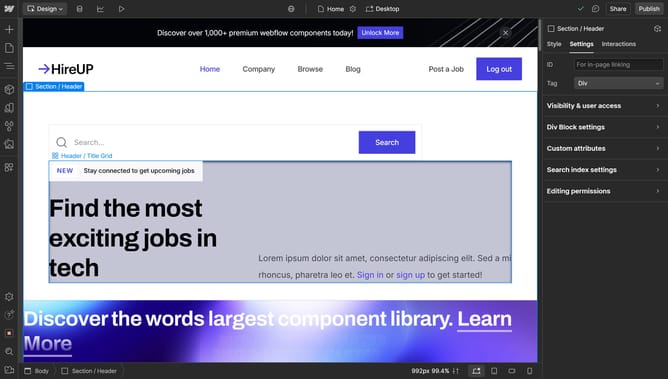
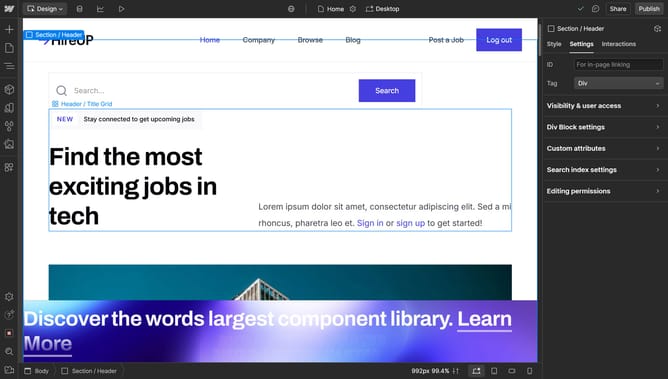
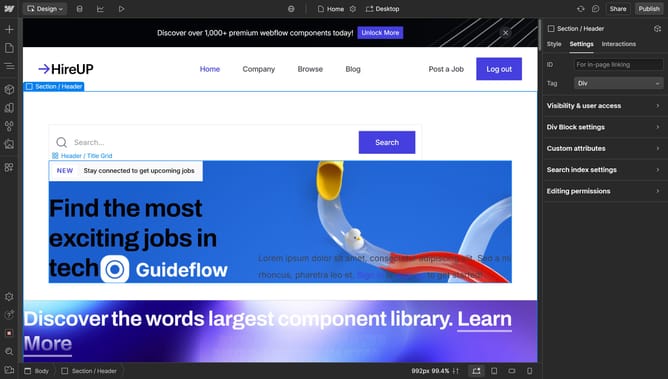
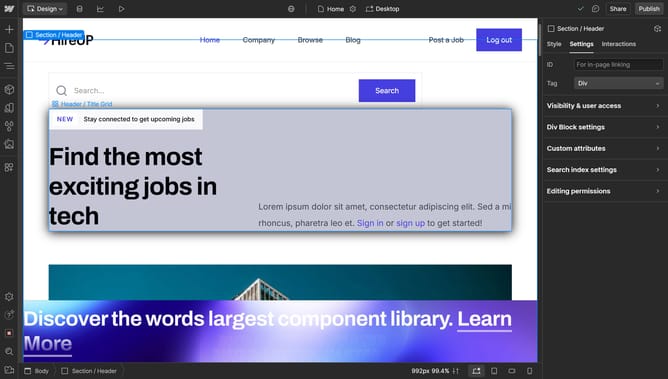
- First click on the Lottie Animation element in the main content area
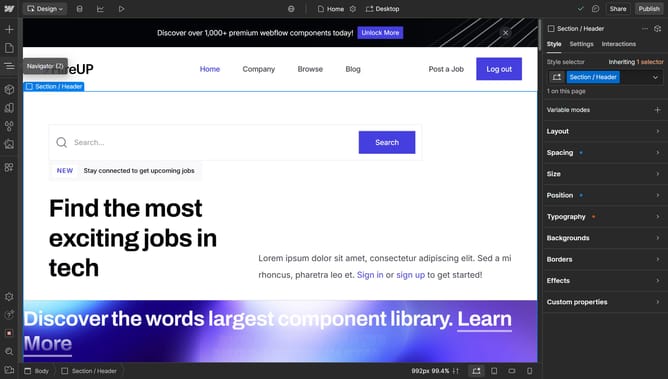
- Click on the "Interactions" tab in the right sidebar
- Click the "+" button in the Element trigger section
- Select "Mouse click (tap)" from the trigger options dropdown
- Click on "Select an action..." dropdown in the interactions panel
- Choose "Lottie playback" from the actions menu
Why should you play an animation on click in Webflow
Webflow is a versatile design tool that empowers creators to build responsive websites without coding.
One captivating feature in Webflow is the ability to play an animation on click. This enriches user interactions by adding dynamic visual experiences that engage and delight visitors.
By incorporating animations triggered by clicks, designers can guide users through websites more intuitively. This creates memorable interactions, enhancing both user engagement and retention.
Last update