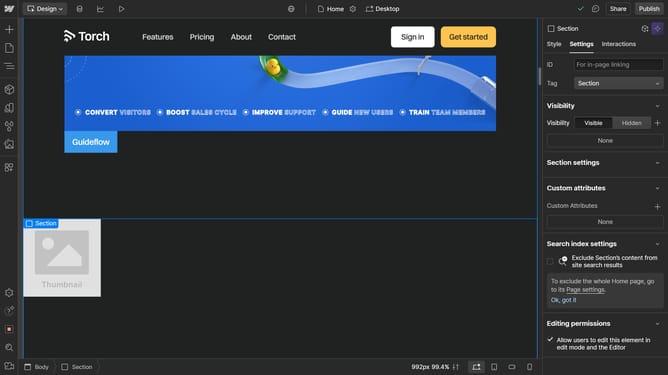
How to change the color of a box shadow in Webflow
Here is how to change the color of a box shadow in webflow
- First select the element that has the box shadow
- Then click on the "Style" tab in the right sidebar settings panel
- Next click on the "Effects" option in the right sidebar settings panel
- Then click on the "Shadow" in the Box shadows section
- Next click on the color picker button
- Finally click on the color selection area in the color picker popup to choose a new color
Why should you change the color of a box shadow in Webflow
Webflow is an innovative web design tool that combines the power of design with the flexibility of no-code development.
Among its features is the ability to change the color of a box shadow, allowing designers to add depth and dimension to web elements.
This feature enhances the visual appeal of a website, making it more engaging and aesthetically pleasing.
Utilizing customized box shadows can differentiate your site by giving it a unique look that captures attention.
Last update