How to turn on text notifications when payments fail in Webflow
Here is how to turn on text notifications when payments fail in webflow
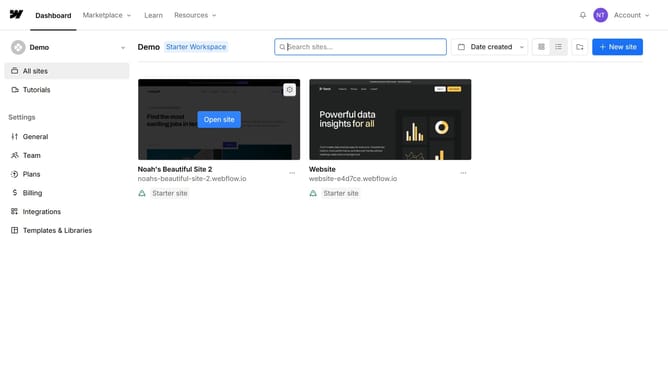
- First click on the "Billing" option in the left sidebar menu
- Then click on the toggle switch under "Text notifications when payments fail" to turn it from Off to On
- Next choose a country code for your phone number
- Then click on the phone number input field to enter your number
- Finally click on the "Save" button in the top right corner of the page
Why should you turn on text notifications when payments fail in Webflow
Webflow is a revolutionary web design platform that blends intuitive design with powerful customization tools.
Activating text notifications for failed payments in Webflow is a simple yet impactful feature. It ensures you're immediately alerted when a payment issue arises, allowing for swift action to rectify it.
This capability provides peace of mind and helps maintain cash flow by reducing payment-related disruptions. With instant notifications, you can maintain strong customer relationships by addressing issues proactively.
Overall, it's an essential tool for smoothly managing your online transactions efficiently.
Last update