How to add a dropdown in Webflow
Here is how to add a dropdown in webflow
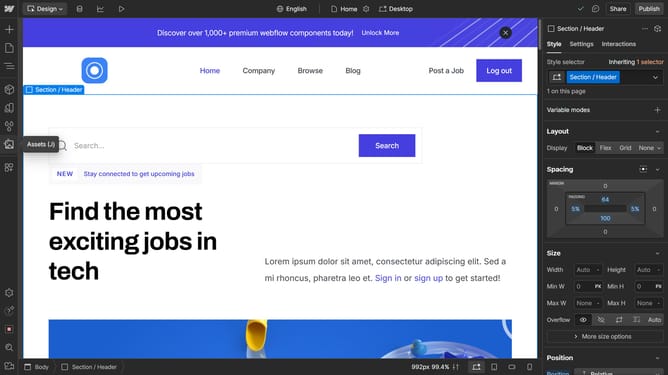
- First click on the "Add" button in the left sidebar
- Then click on the "Search elements" field in the left sidebar
- Next enter "Dropdown" in the search field of the left sidebar
- Finally, drag the "Dropdown" element to the desired location on your canvas
Why should you add a dropdown in Webflow
Webflow is a powerful platform that enables users to create visually stunning websites with ease and without coding.
One of Webflow's useful features is the ability to add dropdown menus, which enhance website navigation and organization.
By incorporating dropdowns, users can streamline content, making it more accessible and improving user experience. Dropdowns are particularly beneficial for complex sites, allowing visitors to quickly find information without cluttering the main interface.
Ultimately, Webflow's dropdown feature helps create a seamless, professional look while keeping your site user-friendly.
Last update