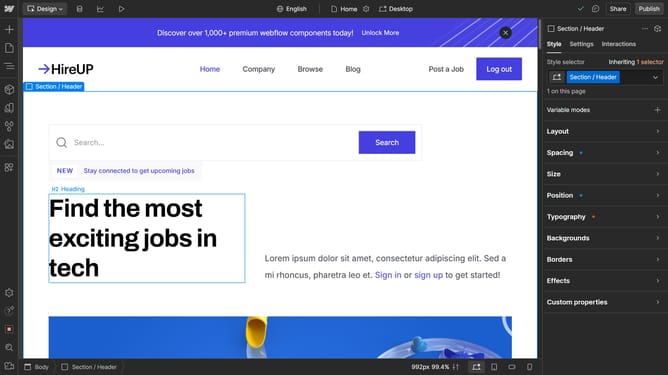
How to change the primary locale in Webflow
Here is how to change the primary locale in webflow
- First click on the "Localization" icon in the top toolbar
- Then click primary locale in the Supported locales table
- Next click on the dropdown in the Primary Locale section
- Then choose a new locale as your primary from the dropdown
- Next click on the "Save" button in the bottom right corner of the settings panel
- Finally click on the "Save changes" button in the top right corner of the Localization settings
Why should you change the primary locale in Webflow
Webflow is an innovative platform designed to empower creators by providing robust web design capabilities without coding.
Changing the primary locale in Webflow is a powerful feature that enhances global accessibility and user engagement. By customizing your website's primary language, you can ensure that your content resonates with a diverse audience.
This feature is particularly beneficial for businesses aiming to expand their reach in different regions, supporting a seamless delivery of localized content that aligns perfectly with cultural preferences.
Last update