How to remove a duplicate element in Webflow
Here is how to remove a duplicate element in webflow
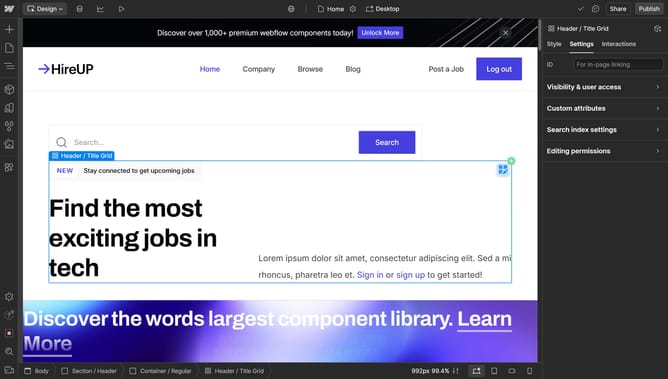
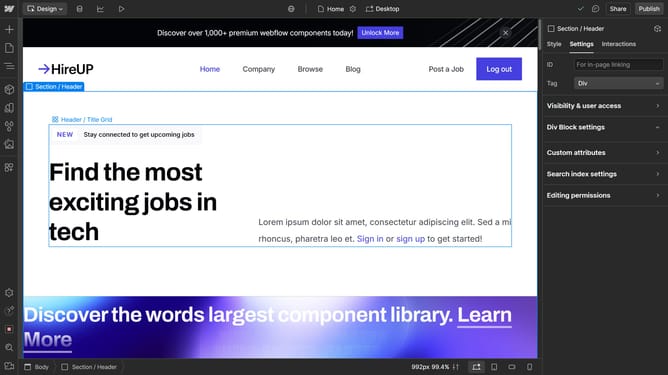
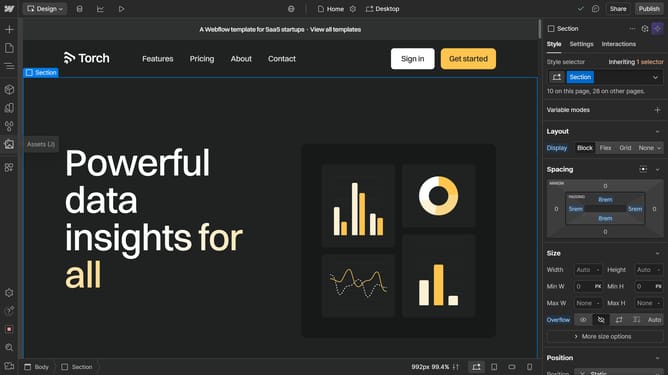
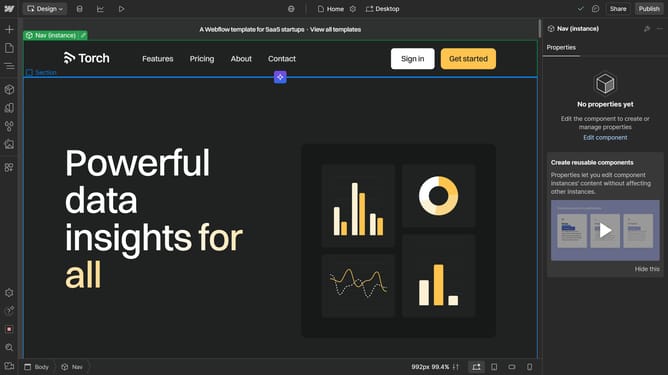
- First click the duplicated element in the canvas
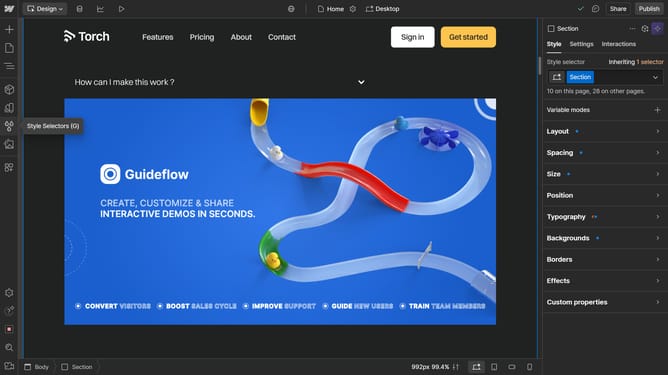
- Then click on the "Navigator" icon in the left sidebar
- Next right-click the highlighted element in the navigator panel
- Finally click on the "Delete" option in the context menu of the selected element
Why should you remove a duplicate element in Webflow
Webflow is a powerful design tool that allows users to create professional websites without writing code.
Removing a duplicate element in Webflow is a feature that enhances design precision and cleanliness. It aids in maintaining a streamlined workflow by allowing designers to efficiently manage their page elements.
By eliminating duplicate elements, users can prevent unnecessary clutter and improve load times, ultimately enhancing the user experience on their site.
Utilizing this feature can lead to a more organized design process, ensuring that every element serves a purpose.
Last update