How to duplicate columns in a grid in Webflow
Here is how to duplicate columns in a grid in webflow
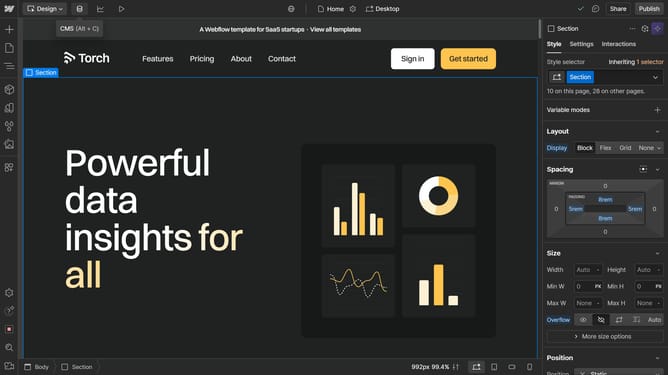
- First click on the element with the grid layout applied
- Then click on the Style tab in the right sidebar
- Next click on the Layout option in the Style panel
- Then click on the Configure grid button in the Layout settings
- Finally choose a column and click the "Duplicate" icon
Why should you duplicate columns in a grid in Webflow
Webflow empowers creators with the ability to craft visually stunning websites without writing a single line of code.
Duplicating columns in a grid within Webflow allows designers to efficiently replicate layouts, enhancing productivity and ensuring consistency across their designs. This feature streamlines the design process by enabling quick adjustments and iterations.
By duplicating columns, designers save time while maintaining the visual harmony of the design, making it easier to experiment and innovate with different layout ideas.
Last update