How to upload custom fonts in Webflow
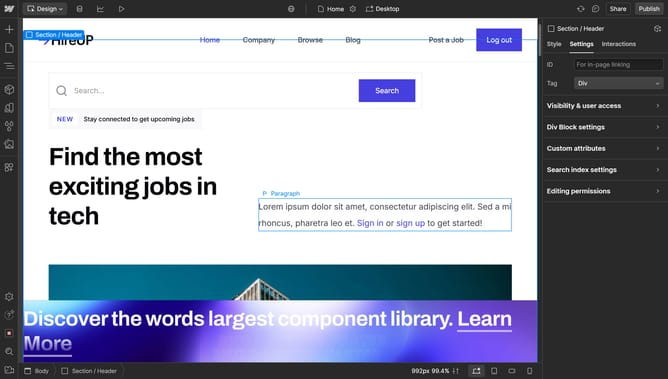
Here is how to upload custom fonts in webflow
- First click on the "Menu" button in the top-left corner of the interface
- Then click on "Site settings" option in the left sidebar menu
- Next click on "Fonts" item in the left sidebar settings menu
- Then click on "Upload" button in the Custom fonts section
- Next click on the "Fallback" dropdown
- Then select your desired font from the Fallback font dropdown menu
- Finally click on "Upload font file" button at the bottom of the font settings form
Why should you upload custom fonts in Webflow
Webflow is a powerful platform that empowers users to design stunning, responsive websites without needing to code.
The ability to upload custom fonts in Webflow allows designers to infuse their unique style and branding into their projects effortlessly.
By using custom fonts, you can create a cohesive and distinctive look that stands out and captures your audience's attention.
This feature helps enhance the visual impact of your website while supporting your brand identity with a personalized touch.
Last update