How to convert div blocks to grid in Webflow
Here is how to convert div blocks to grid in webflow
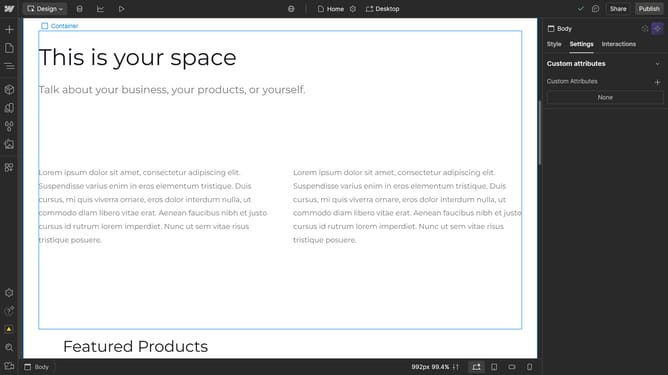
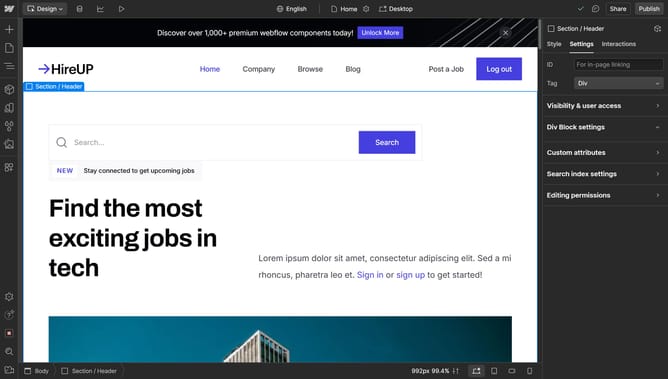
- First click on the main content area labeled as "Div Block" in the center of the page
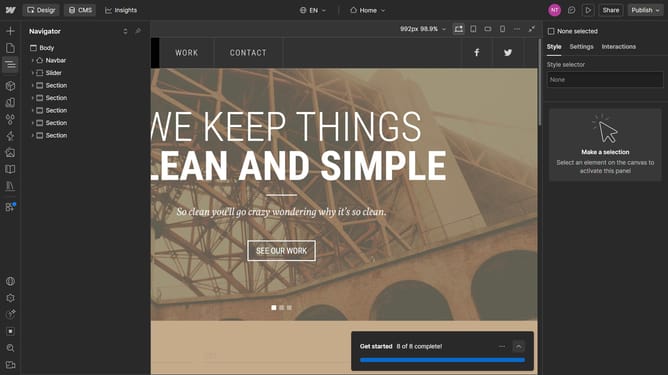
- Then click on the "Navigator" button in the left sidebar menu
- Next right-click the "Div Block" option in the Navigator panel
- In the context menu, click on the "Convert to" option
- Finally select "Grid" from the conversion options submenu
Why should you convert div blocks to grid in Webflow
Webflow empowers creatives to design, build, and launch responsive websites visually.
Converting div blocks to grid in Webflow offers enhanced layout control, making it simple to organize content dynamically. Grid layouts in Webflow allow you to manage spacing and alignment effortlessly, providing an intuitive way to create complex designs without compromising on flexibility.
This feature transforms how elements are structured, enhancing design adaptability and improving user experience across different devices. Utilizing grid conversion enhances not only the visual appeal but also the overall functionality of web designs.
Last update