How to delete a CMS collection in Webflow
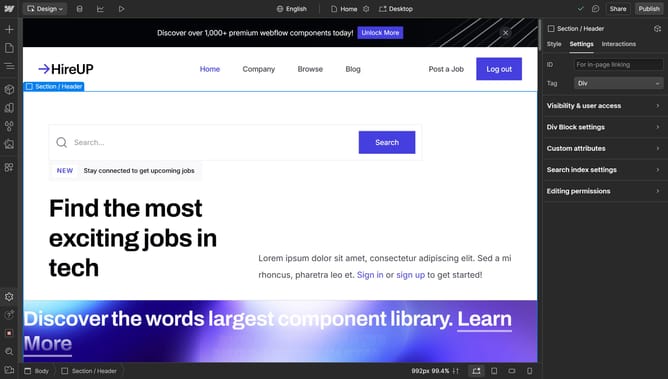
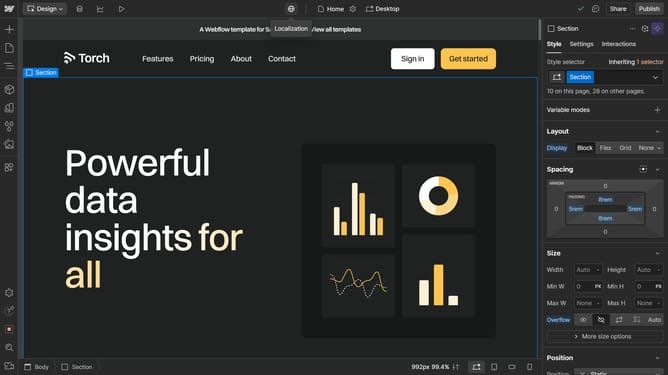
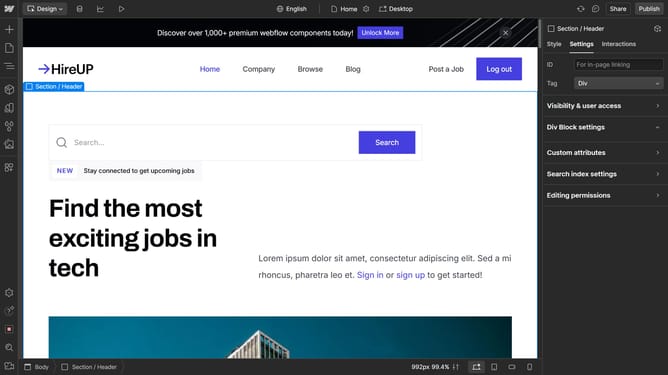
Here is how to delete a cms collection in webflow
- First click on "CMS" tab in the top menu
- Then click on the collection you want to delete
- Next click on the "Delete" button in the bottom of part
- Finally click on the "Delete" button in the confirmation dialog
Why should you delete a CMS collection in Webflow
Webflow is an innovative platform that empowers creators to design, build, and launch responsive websites visually.
Deleting a CMS collection in Webflow offers flexibility in content management by allowing users to eliminate outdated or unnecessary data effectively.
This feature ensures your website remains organized and clutter-free, optimizing performance and enhancing the user experience.
Efficiently managing your content structure helps maintain a streamlined workflow, enabling focus on incorporating fresh, relevant material.
Last update