How to change the flow direction of grid content in Webflow
Here is how to change the flow direction of grid content in webflow
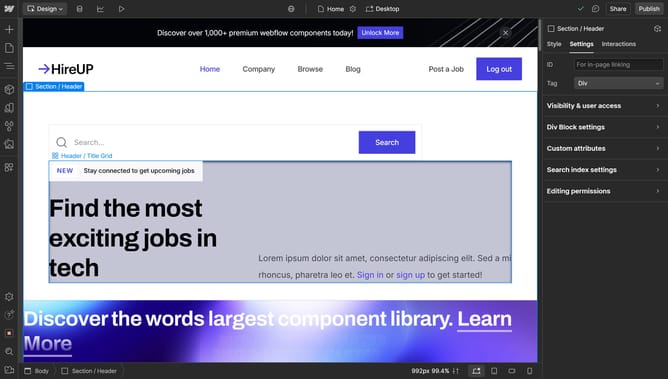
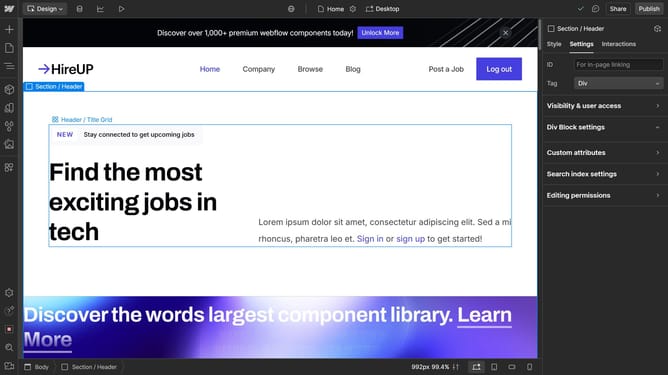
- First click the element with the grid layout to start editing
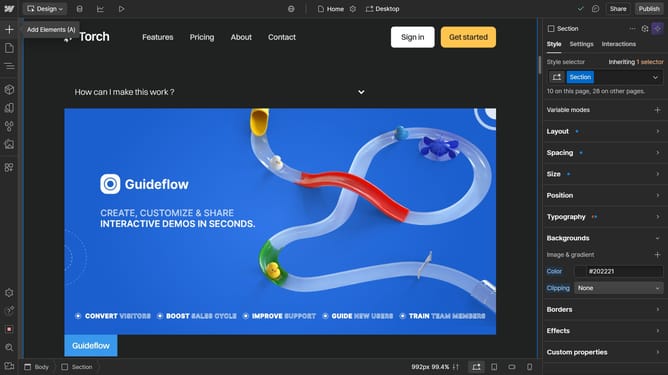
- In the right sidebar panel, click on the "Style" tab to access styling options
- In the right sidebar panel, click on the "Layout" section to expand layout settings
- Within the Layout settings in the right sidebar, click on the "Direction" option to adjust the container's directional properties
Why should you change the flow direction of grid content in Webflow
Webflow is an innovative platform empowering designers to create responsive websites visually.
One of Webflow's standout features is the ability to change the flow direction of grid content. This feature offers flexibility in how content is displayed across different devices, enhancing user experience and design creativity.
By manipulating the flow direction, designers can align content to match the desired aesthetic and functional requirements, resulting in a more dynamic and engaging web presence.
Last update