How to publish a Webflow site?
Here is how to publish a webflow site
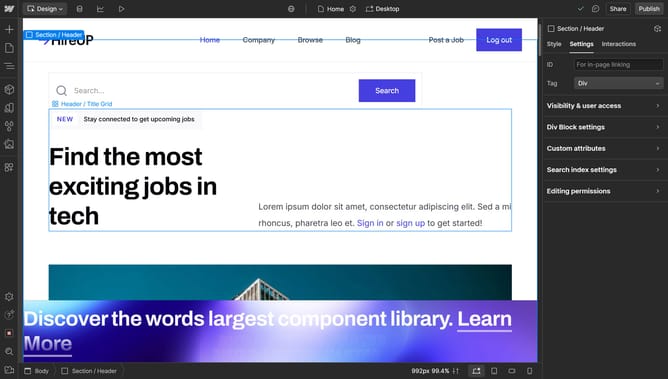
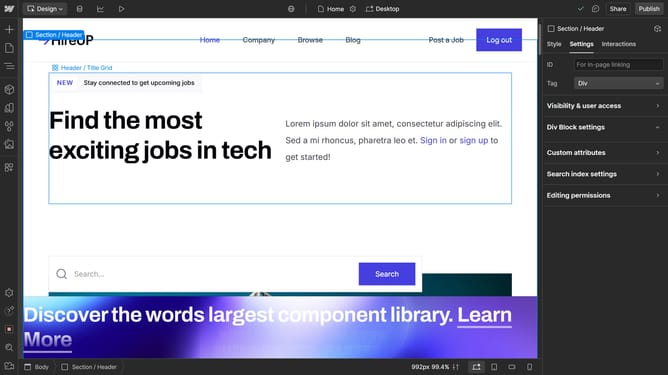
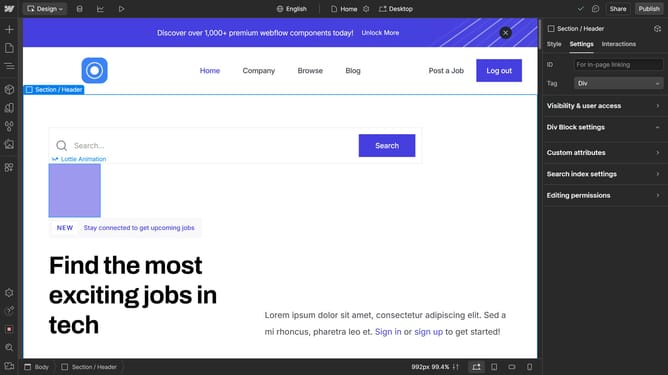
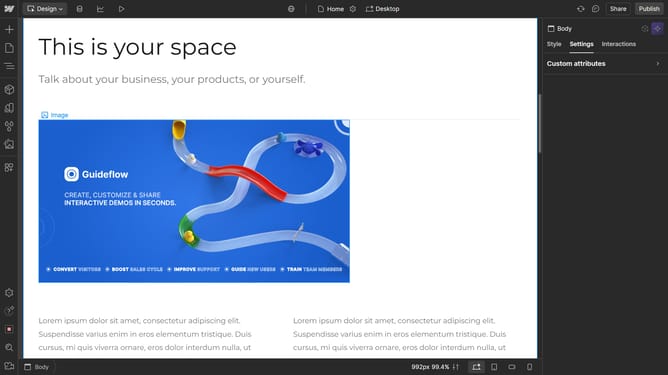
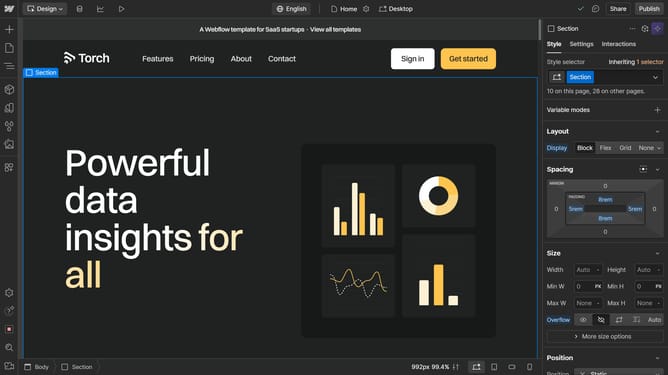
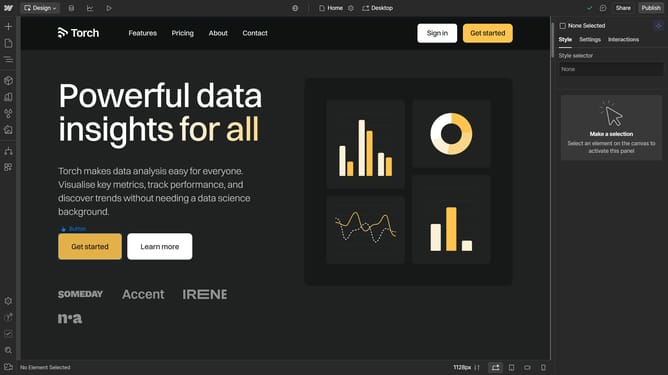
- First, open the project you want to publish in Webflow and locate the "Publish" button in the top right corner"Publish" button in the top right corner
- Choose your desired branch and configure the domain where you want to publish the site
- If needed, expand the "Advanced Options" to further customize the publishing process
- Once everything is set, click "Publish to Selected Domains" to finalize the process
- Wait for the publishing process to finish
- Once published, your site will be available on the specified URL, Click the link icon to view it live
Why should you publish a Webflow site?
Webflow is a versatile platform designed to empower creators by simplifying the process of building responsive websites without code.
Publishing a Webflow site provides a seamless transition from design to live experience with just a few clicks. This feature eliminates complex setups by automating hosting and domain integration, allowing immediate updates that instantly reflect on your published site.
Using Webflow’s publishing feature not only accelerates the process of launching a website but also ensures your site remains up-to-date effortlessly, enhancing both efficiency and user engagement.
Last update