How to preview in Webflow?
Here is how to preview in webflow
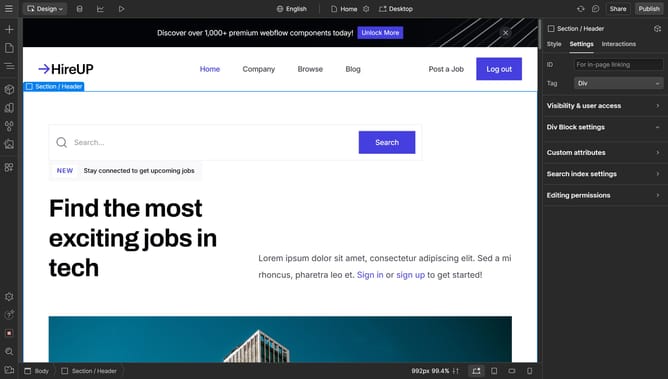
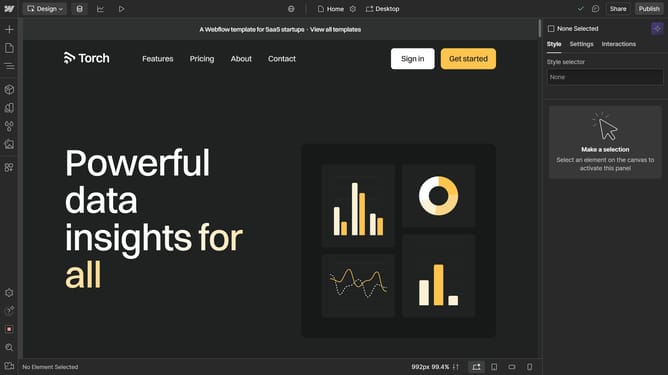
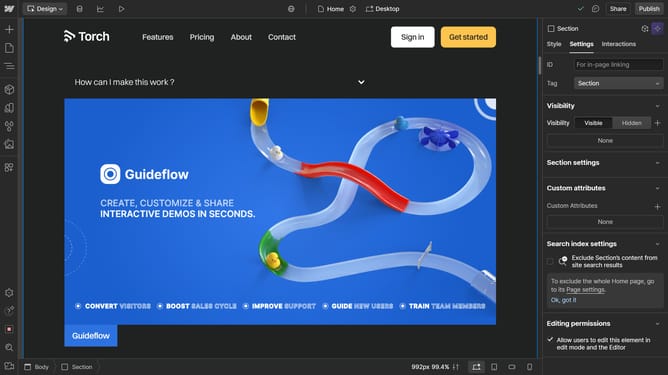
- First, find the "play icon" in the top toolbar and click on it to preview
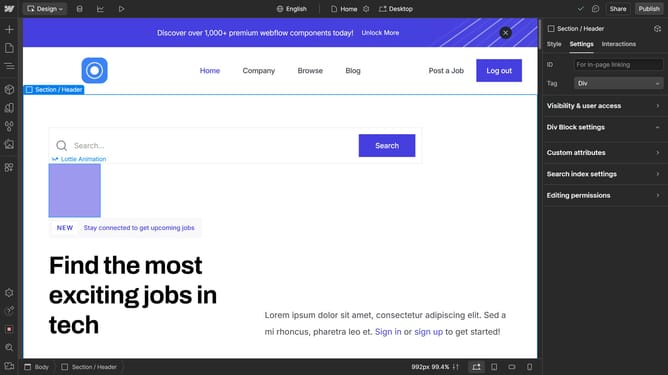
- Your project will go into full-screen preview mode, explore, and interact with your design as if it were live
- Click the play icon again to return to editing
Why should you preview in Webflow?
Webflow empowers users to design, build, and launch responsive websites visually without coding complexities. The preview feature in Webflow ensures that creators can see their designs in real-time across different devices and screen sizes.
Benefits of this feature include enhancing the accuracy of the design process and enabling instant feedback, allowing designers to make intuitive adjustments. This offers a seamless workflow, saving both time and resources.
Utilizing the preview functionality in Webflow fosters creativity and precision, ultimately resulting in a compelling and professional web presence.
Last update