How to create an ellipse-shaped border in Webflow
Here is how to create an ellipse-shaped border in webflow
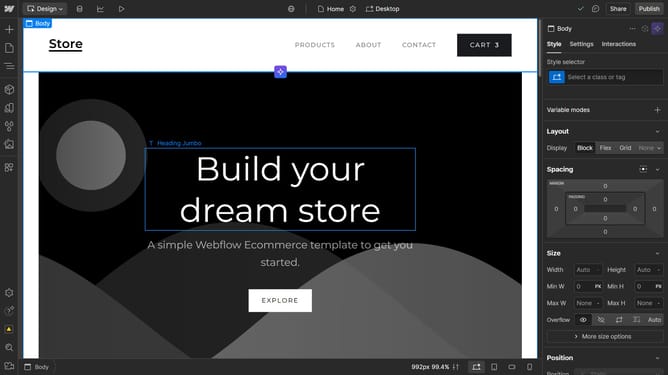
- First, select the element to which you want to add a border
- Click on the "Style" tab in the right sidebar settings panel
- In the right sidebar, click on the "Borders" section to expand it
- Click on the "PX" unit selector in the Borders settings
- Select the "%" unit from the dropdown menu
- Finally set the border radius value to "50" using the number input field
Why should you create an ellipse-shaped border in Webflow
Webflow is an intuitive platform that empowers users to craft stunning websites without the need for coding.
Creating an ellipse-shaped border in Webflow adds a touch of elegance and creativity to your designs, making them stand out with minimal effort.
This simple feature allows for enhanced visual storytelling, contributing to a memorable user experience by breaking away from conventional rectangular boundaries.
By employing this feature, you can guide visitors’ focus and elevate the aesthetic appeal of your site, all while maintaining design consistency.
Last update