How to find your website domain in Webflow
Here is how to find your website domain in webflow
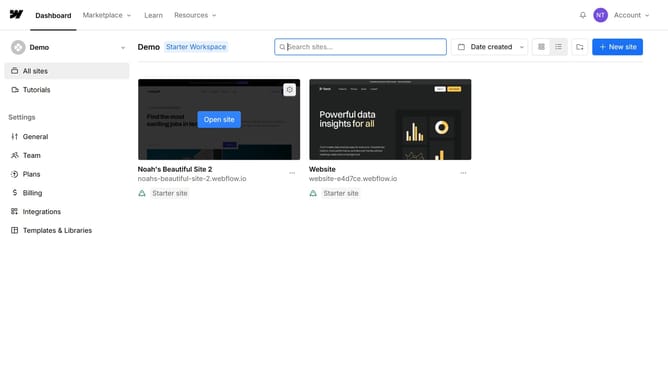
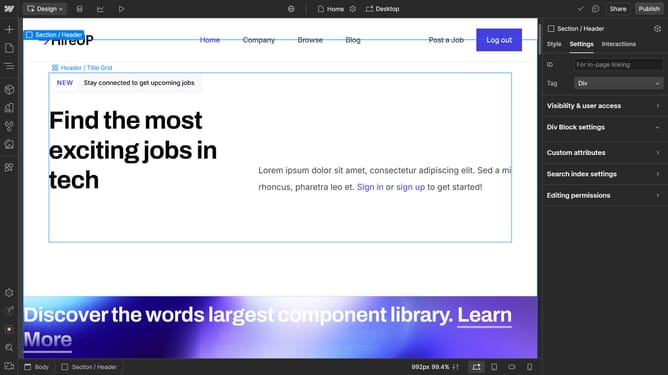
- In the main dashboard, click on the "Site settings" gear icon in the top-right corner of the website
- In the left sidebar, click on the "Publishing" menu item
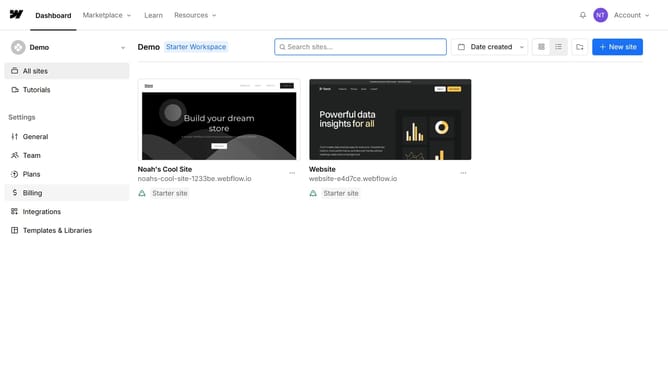
- In the Staging section, here you will find the domain of your website
Why should you find your website domain in Webflow
Webflow is a platform that empowers users to design and build responsive, visually stunning websites with ease and flexibility.
Finding your website domain in Webflow streamlines your design and management process by keeping your digital assets organized and easily accessible.
With this clarity, you can ensure seamless connections and directly manage your online presence, enhancing efficiency and productivity.
This feature is essential for maintaining an organized workspace, leading to a smoother workflow and more effective web management.
Last update