How to change the positioning to Fix in Webflow
Here is how to change the positioning to fix in webflow
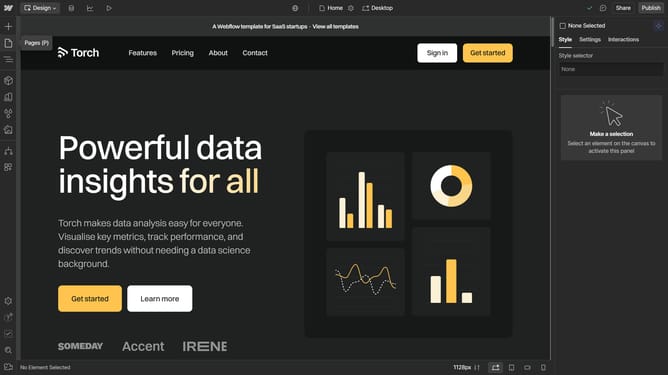
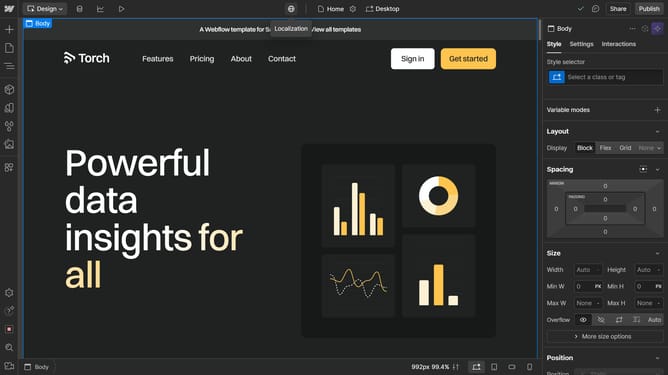
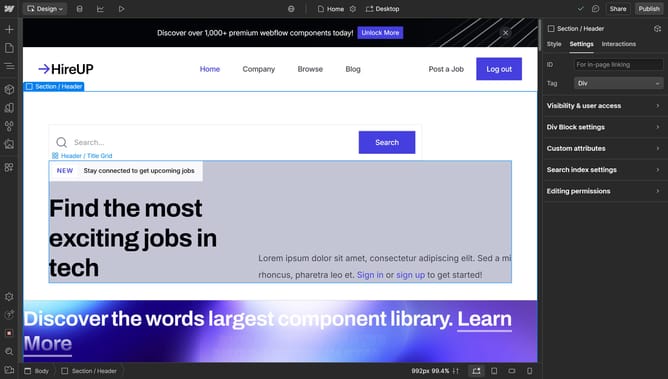
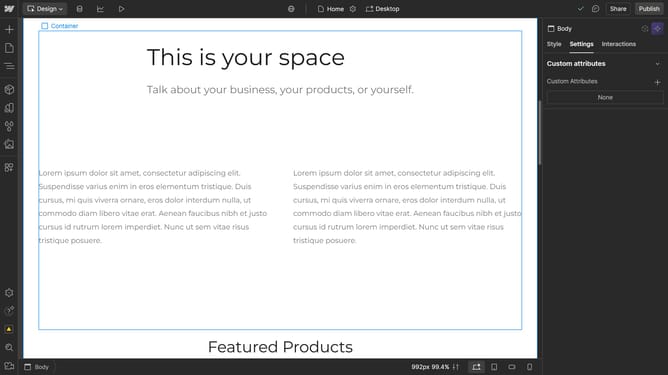
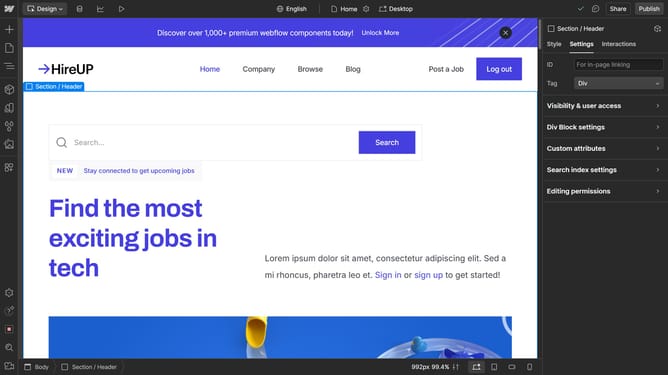
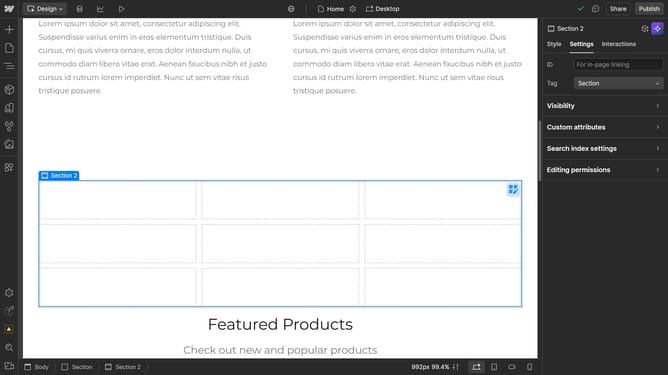
- First click the element you want to reposition
- Then click on the "Style" tab in the heading settings panel
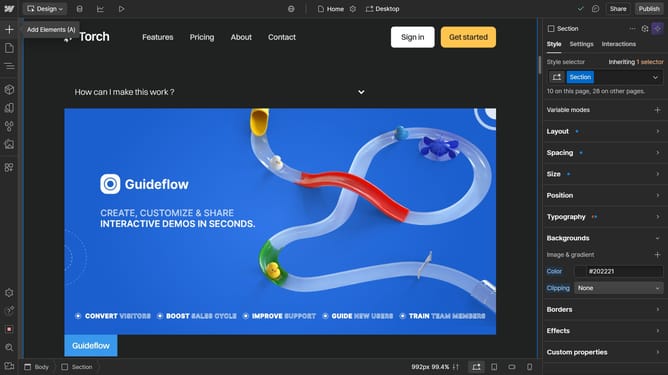
- Next click on the "Position" dropdown menu in the style settings
- Click on the "Static" option in the position dropdown
- Finally select the "Fixed" option from the position type menu
Why should you change the positioning to Fix in Webflow
Webflow is a powerful tool designed to create dynamic and responsive websites with ease and flexibility.
Changing the positioning to 'Fixed' in Webflow allows certain elements to remain visible as users scroll, enhancing the user experience by maintaining accessibility to key navigation or information.
This feature is especially beneficial for keeping navigation bars or call-to-action buttons ever-present on the screen, providing seamless interaction while guiding visitors efficiently through your site.
Utilizing fixed positioning can significantly improve site functionality and user engagement.
Last update