How to align flex children in Webflow
Here is how to align flex children in webflow
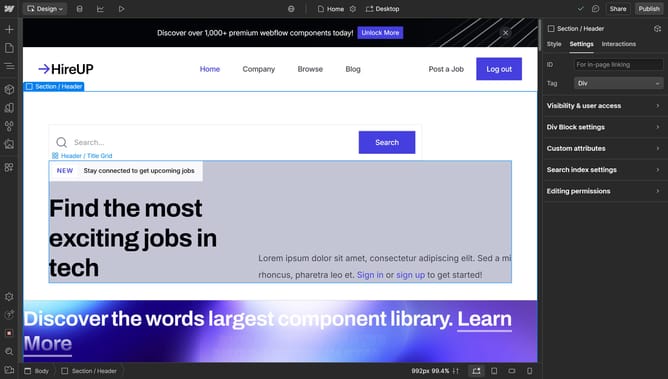
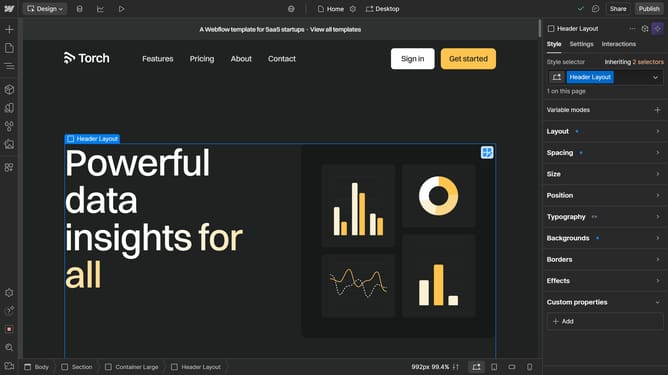
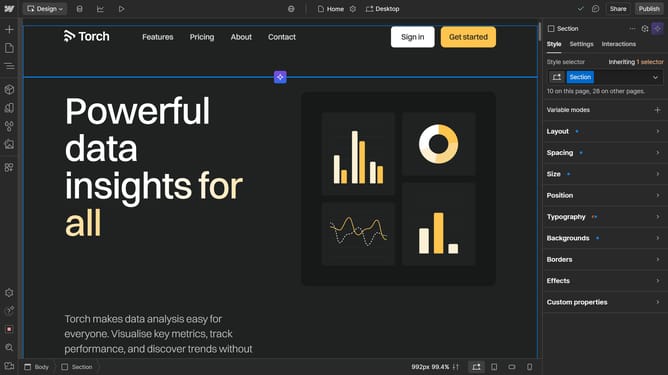
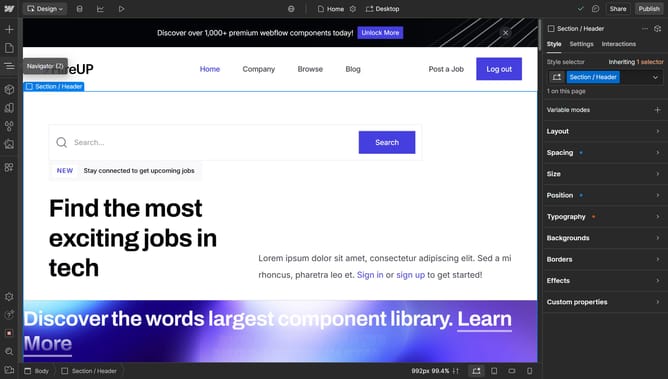
- First select the container element in the main editor area
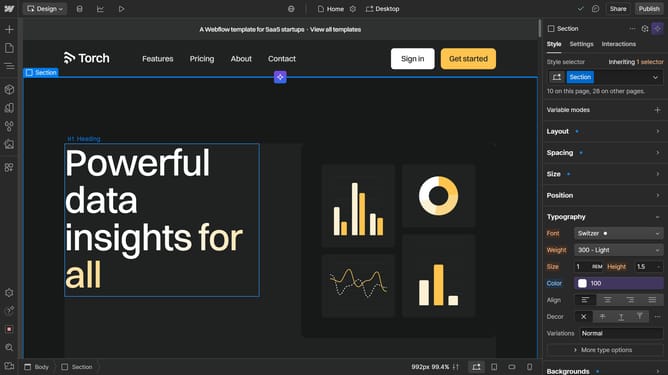
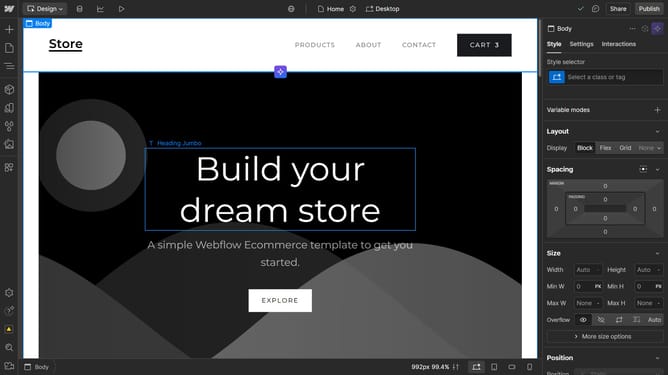
- Then click on the "Styles" tab in the right sidebar panel
- Finally click on the alignment controls section in the right sidebar's Style panel to adjust the container alignment
Why should you align flex children in Webflow
Webflow is a powerful design tool that enables users to build responsive websites visually.
Aligning flex children in Webflow allows you to control how elements are positioned within their containers, creating cohesive and visually appealing designs.
By adjusting alignment, you can ensure that your layout adapts smoothly across different devices, enhancing the user experience. This feature adds flexibility and precision to your design workflow, enabling content to be arranged intuitively.
Using flex alignment enhances both functionality and aesthetics, making your sites more dynamic and attractive.
Last update