How to rename a collection in Webflow
Here is how to rename a collection in webflow
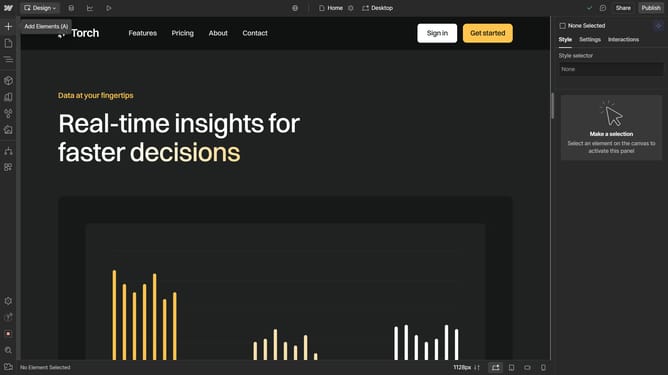
- First click on the "CMS" icon in the top navigation bar
- Then click on the "Settings" icon next to the collection name
- Next click into the "Collection Name" field and enter your new name
- Finally click "Save Collection" button in the top bar
Why should you rename a collection in Webflow
Webflow empowers designers by enabling them to build responsive websites visually, without writing code.
A key feature of Webflow is its flexibility, particularly in managing collections, which are essentially databases for your site content.
Renaming a collection can significantly enhance the site's organizational structure. By giving collections intuitive names, users can easily manage and update content, maintaining clarity and efficiency.
This improves workflow and ensures that teams remain aligned when collaborating on expansive projects.
Last update