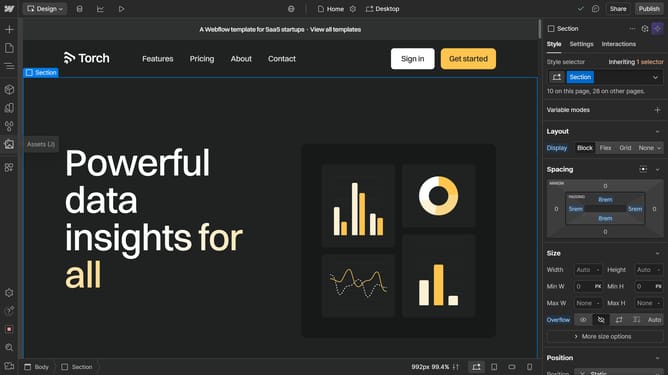
How to add locales in Webflow
Here is how to add locales in webflow
- First click on the "Localization" icon in the top toolbar
- Then click on the "Add new locale" button in the Supported locales section
- Next click on the "Select a locale" dropdown field to open the locale selection menu
- Then select a location from the dropdown list of available locales
- Finally click the "Save" button at the bottom of the New Locale form
Why should you add locales in Webflow
Webflow is a powerful platform designed for designing, building, and launching visually stunning websites without needing to write code.
Adding locales in Webflow allows you to manage multiple language versions of your website, making it accessible to a global audience. This feature simplifies the process of reaching diverse markets by creating a seamless user experience for visitors in their native languages.
By incorporating locales, you enhance your website's reach, strengthen engagement, and establish a strong international presence with ease and efficiency.
Last update